If you’re someone who thrives on visual inspiration, chances are you’ve spent hours scrolling through Pinterest arguably the internet’s most well-known visual discovery platform.
From aesthetic moodboards to DIY hacks, it’s long been a go-to destination for designers, creatives, bloggers, and everyday users looking to spark ideas.
Yet, in 2026, many are starting to look beyond it.
Whether it’s due to the increasing number of ads, changes in the algorithm, or the desire for more focused, professional platforms, the search for Pinterest alternatives is on the rise.
For some, it’s about finding websites like Pinterest that allow better content organization.
For others, it’s about creative idea sharing without the clutter or using photo curation apps that offer cleaner user interfaces and niche-specific communities.
This guide explores 17 of the best sites like Pinterest that cater to a range of visual thinkers from UI/UX designers and fashion bloggers to digital artists and content curators.
Whether you’re building a portfolio, looking for fresh design references, or searching for mood board tools that don’t rely on AI-generated feeds, there’s an option here tailored for you.
Let’s dive in and find out which Pinterest-style platform fits your creative workflow best.
Table Of Contents
Why Look for Alternatives to Pinterest?

While Pinterest remains a household name in the world of visual discovery, it’s no longer the one-size-fits-all solution it once was.
Over time, creatives and professionals have started seeking out Pinterest replacements that offer more flexibility, focus, and functionality tailored to their specific needs.
One of the most common frustrations users report is the platform’s growing reliance on AI-curated feeds.
While Pinterest’s algorithm does attempt to personalize content, it often leads to repetitive or irrelevant suggestions, making it harder for users to find truly original inspiration.
The overwhelming presence of ads is another challenge.
For creators who use Pinterest daily, the shift toward sponsored content has started to feel intrusive and dilutes the authentic creative exploration they originally came for.
Beyond user experience, there are also functional limitations.
Pinterest was not built for design portfolio hosting or professional showcasing.
Its structure lacks the depth needed for organized, client-facing presentation.
Creatives often find themselves cobbling together makeshift mood boards, struggling to maintain consistency or proper categorization over time.
That’s where Sites like pinterest built for specific audiences come into play.
Platforms such as Behance, Dribble, and Pearltrees offer focused environments for non-AI visual curation, giving users full control over what they see, save, and share.
These alternatives often provide robust photo-saving tools, more advanced tagging systems, and privacy-focused content organization—qualities that many professionals now consider essential.
In today’s creative landscape, the tools we use should adapt to the way we think.
For those seeking more than algorithmic content loops or inspiration buried beneath ads, turning to a more purposeful platform isn’t just a preference it’s a productivity strategy.
Comparison Table – Top Pinterest Alternatives at a Glance
If you’re in a hurry to find the right Pinterest alternative, this quick comparison chart gives you a snapshot of the leading platforms available in 2026.
Whether you’re a designer, blogger, or simply a visual thinker looking for websites like Pinterest, this table helps you identify what fits your specific needs without the clutter of ads or AI-heavy feeds.
The following platforms are evaluated based on their best use case, pricing model, standout features, and whether they support an ad-free browsing experience.
These comparisons help clarify where each Site excels in terms of creative idea sharing, mood board tools, or photo-saving tools.
| Platform | Best For | Pricing | Notable Features | Ad-Free? |
|---|---|---|---|---|
| Behance | Professional design portfolios | Free | Case studies, project uploads, Adobe ecosystem | Yes |
| Dribbble | Showcasing client work & networking | Freemium | Community engagement, UI inspiration, job board | No (Free Tier) |
| Designspiration | Moodboards and visual discovery | Free | Minimalist interface, tag-based inspiration | Yes |
| Mix | Personalized content discovery | Free | AI-curated feeds, user-interest based | No |
| Pearltrees | Visual bookmarking & organization | Freemium | Folder-style curation, collaboration features | Partially |
| Are.na | Minimalist ad-free visual platform | Freemium | Block-based organization, zero algorithm | Yes |
| We Heart It | Aesthetic sharing for younger audiences | Free | Emo-based visuals, fashion, community features | No |
| Juxtapost | Classic Pinterest-style curation | Free | Grid-style layout, bookmarking | No |
| Cosmos | iOS curated inspiration | Free | Ad-free UX, elegant interface | Yes |
| Inspiration Grid | Creative portfolios and design trends | Free | Curated design showcase | Yes |
| Hometalk | DIY and home décor inspiration | Free | Tutorials, home improvement ideas | No |
| Depositphotos | Stock image discovery | Freemium | Visual collections, licensed content | No |
| Pexels | Royalty-free visual discovery | Free | Searchable stock images, community uploads | Yes |
| Unsplash | High-res stock for creators | Free | Photo categories, editorial picks | Yes |
| Visual magazine for news + art | Free | Magazine-style content aggregation | No | |
| DeviantArt | Art portfolios & original illustrations | Free | Artist community, selling prints, galleries | No |
| Visual sharing & trend discovery | Free | Reels, stories, massive user base | No | |
Top 17 Sites Like Pinterest (Full Breakdown with Use Cases)
When it comes to discovering, organizing, or showcasing visual content, Pinterest alternatives have become essential tools for creatives who want more control and professional-grade features.
Below, we explore the first three platforms that stand out for their specific strengths, from design portfolio hosting to aesthetic mood board creation.
Each one fills a gap Pinterest doesn’t quite meet especially for users who value structured workflows, clean interfaces, and fewer algorithm-driven distractions.
1. Behance – For Professional Design Portfolios

Best For: UI/UX Designers, Freelancers, Creative Agencies
Official Site: behance.net
Summary:
Behance, owned by Adobe, is more than just a platform for creative discovery—it’s a dedicated space for showcasing professional design portfolios.
Unlike Pinterest, where collections are often casual or crowd-curated, Behance emphasizes individual ownership and creative credibility.
Designers use it to present finished work, case studies, or even concept art for client proposals.
The platform is deeply embedded in the art community, often serving as a gateway for job opportunities and networking.
Pros:
- Ideal for full project presentations
- Integration with Adobe Creative Cloud
- Clean, ad-free user experience
Cons:
- It is not ideal for casual or fast inspiration browsing
- There is a slight learning curve for beginners
2. Dribbble – For Creative Professionals and Agencies
Best For: Showcasing client work, networking with other designers
Official Site: dribbble.com
Summary:
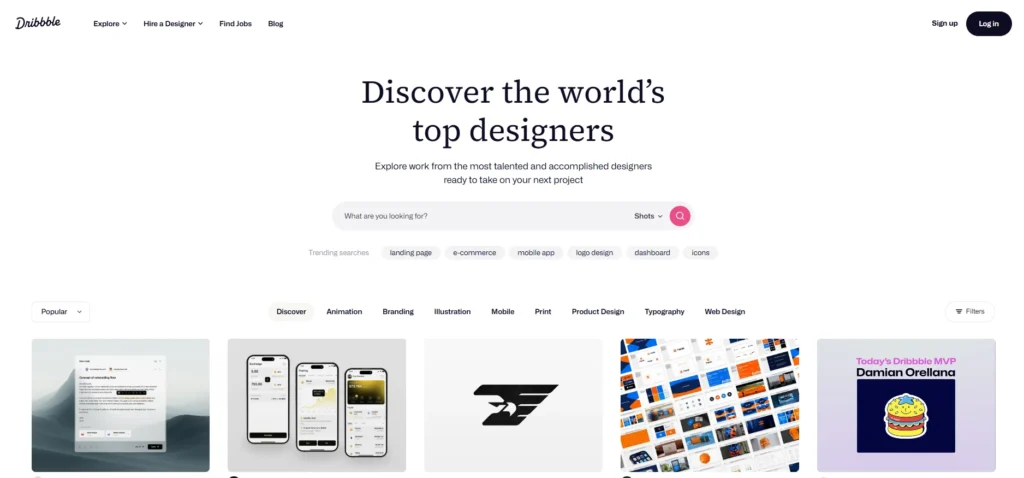
Dribbble is a vibrant platform focused on UI/UX, graphics, branding, and web design.
What separates it from Pinterest is the curated nature of its user base—posting is invite-only, which maintains a high standard of quality across the board.
The platform supports visual storytelling by allowing creatives to share snapshots, process shots, and polished deliverables.
For freelancers and agencies, Dribbble often doubles as a portfolio and networking tool with an integrated job board and hiring ecosystem.
Pros:
- High-quality content curated by professionals
- Built-in job listings and freelance opportunities
- Community feedback through likes and follows.
Cons:
- Some features behind a paywall (Pro subscription)
- Limited to visual design disciplines
3. Designspiration

Best For: Visual thinkers, artists, mood board curation
Official Site: designspiration.com
Summary:
Designspiration stands out as one of the most focused sites for design, as is Pinterest.
Its minimalist interface and tag-driven navigation make it ideal for those seeking visual clarity over algorithmic clutter.
Whether you’re a graphic designer working on a branding concept or a content creator building a colour scheme, this platform helps users stay grounded in visual thinking without distractions.
It’s widely appreciated in the creative industry for offering hand-picked content, sharp aesthetic themes, and efficient mood board tools.
Pros:
- Clean, ad-free browsing experience
- Tag-based search improves discovery relevance.
- Excellent for visual organization
Cons:
- Smaller user base than Pinterest
- Not suitable for social interaction or collaboration
4. Mix – Personalized Feed-Based Content Discovery
Best For: Personalized visual content feeds
Official Site: mix.com
Summary:
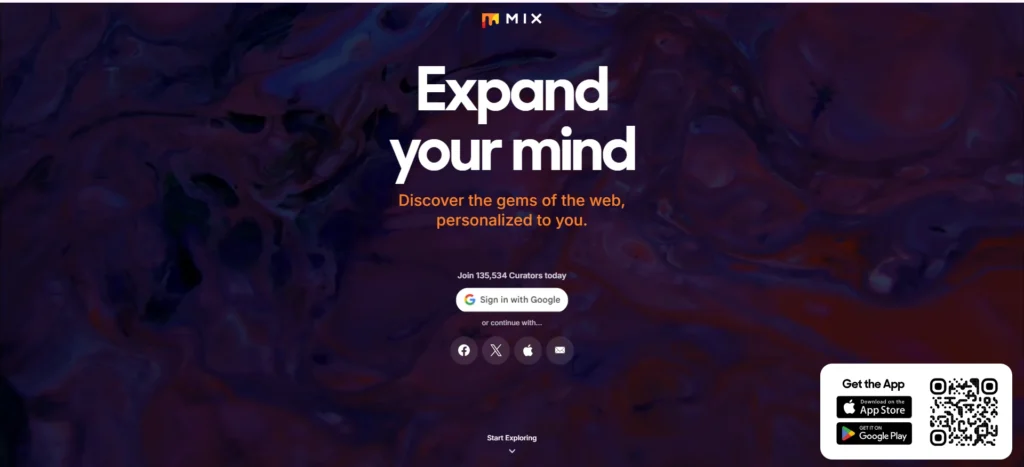
Mix offers a modern take on content curation through personalized visual feeds.
Built as a content discovery engine, it curates articles, videos, and images based on a user’s interests.
Unlike Pinterest’s pinboards, Mix relies on intelligent tagging and browsing behaviour to surface fresh content aligned with the user’s taste.
While it’s broader in scope covering everything from design to tech to travel it remains a favourite among those who enjoy discovering visual content in a passive, scrollable environment.
It’s ideal for users who don’t want to spend time organizing content into boards but still value visual discovery.
Pros:
- AI-powered personalized feed
- Browser extension for easy saving
- Integrates with Pocket and other read-later tools
Cons:
- Limited organizational control
- Less emphasis on creative communities
5. Pearltrees – Visual Bookmarking with Deep Organization
Best For: Structured visual curation and project planning
Official Site: pearltrees.com
Summary:
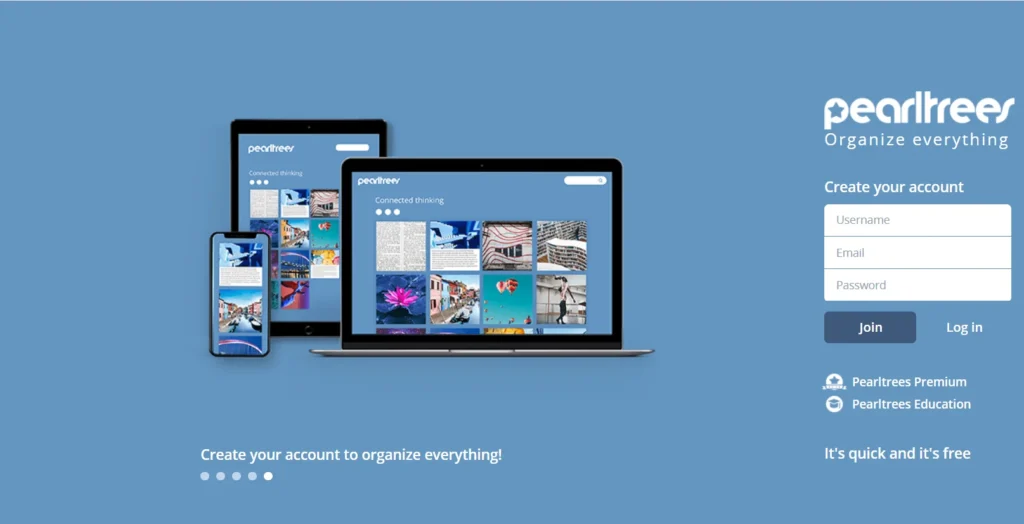
Pearltrees stands out as an image bookmarking Site that offers unmatched content organization tools.
It allows users to save and arrange web pages, images, notes, and files into nested folders called “pearls.”
This structure is ideal for users who want more than just inspiration—they want a well-organized reference library.
Unlike Pinterest’s flat boards, Pearltrees supports deep hierarchies and private collections, making it perfect for professionals working on multi-phase projects or long-term research.
It’s particularly valued by educators, creatives, and digital marketers seeking organization tools for their workflows.
Pros:
- Tree-structured organization
- Privacy settings and offline access
- Supports all file types, not just images
Cons:
- Interface has a learning curve
- Best features require a paid plan
6. Are. Na – Minimalist and Ad-Free Visual Exploration
Best For: Artists, students, independent thinkers
Official Site: are.na
Summary:
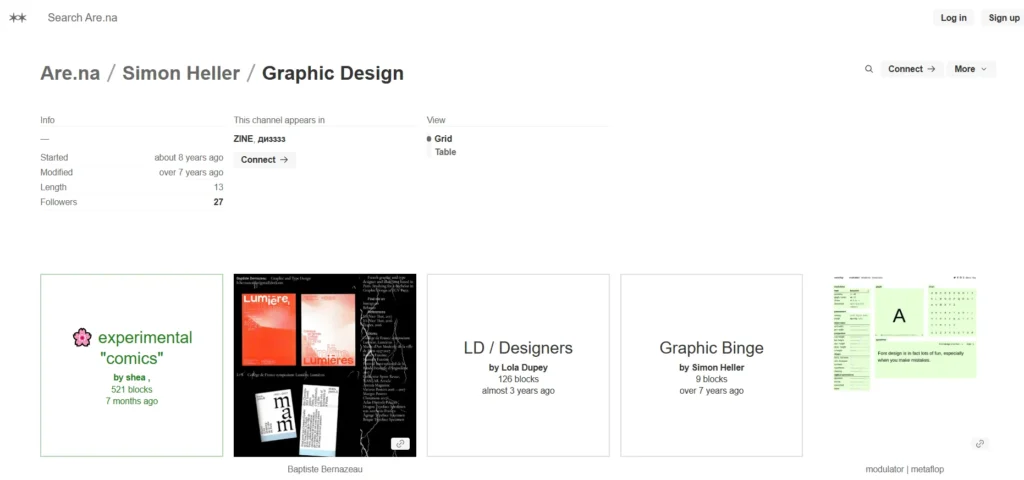
Are. na is a minimalist platform designed for non-AI visual curation.
Unlike Pinterest, it doesn’t rely on algorithmic suggestions or sponsored content.
Instead, users add content into “blocks” and connect these into channels, creating structured thought maps.
It’s best described as a digital sketchbook platform—a quiet space for conceptual thinking, inspiration collecting, and research organization.
Are. Na has earned a strong following in academic, art art, and experimental design circles where control, intention, and visual context matter more than likes or shares.
Pros:
- No ads or algorithms
- Great for research and project development
- Flexible block/channel structure
Cons:
- No mobile app (web-based only)
- Less intuitive for casual users
7. We Heart It – Teen-Focused Aesthetic Sharing
Best For: Fashion, moods, self-expression
Official Site: weheartit.com
Summary:
We, Heart, is one of those Pinterest-like sites that has carved a niche within the youth and teen demographic.
It’s built around aesthetic content discovery, allowing users to “heart” and save images that reflect personal style, mood, or creative energy.
Whether you’re into dreamy visuals, quotes, or fashion themes, We Heart It offers a softer, more expressive platform that resonates especially with Gen Z.
It’s not built for professionals or detailed curation workflows, but for mood-based browsing and expression, it’s a go-to source.
The platform leans heavily into lifestyle, fashion, and emotional visual content, making it perfect for casual creators and aspiring influencers.
Pros:
- Easy to use with a mobile-first design
- Highly visual, mood-driven interface
- Great for fashion, quotes, and vibe curation
Cons:
- Limited content organization tools
- It is more aesthetic than functional for advanced users
8. Juxtapost – Pinterest Clone for Photo Curation
Best For: Classic Pinterest fans
Official Site: juxtapost.com
Summary:
Juxtapost is a straightforward alternative that stays close to Pinterest’s original format.
It’s particularly useful for users who want a no-frills interface for managing collections, bookmarking images, and organizing inspirations into folders.
Where Pinterest has evolved toward commercial content and algorithmic feeds, Juxtapost maintains a user-first approach rooted in simplicity.
This platform stands out for its intuitive photo curation tools, private board options, and community-powered sharing model.
It’s ideal for users who prefer familiar features but want a cleaner, distraction-free environment.
Pros:
- Closest visual and functional match to Pinterest
- Offers private board creation
- Focused on user-driven collections
Cons:
- Smaller community and content variety
- Slightly outdated interface
9. Cosmos – iOS-Based Curated Inspiration App

Best For: iOS users looking for visual simplicity
Official Site: cosmos.so
Summary:
Cosmos is a modern visual discovery app exclusive to iOS, known for its elegant interface and intentional browsing experience.
It operates through a curated image flow, meaning random visuals or ad-driven suggestions won’t bombard you.
Instead, Cosmos focuses on thoughtful inspiration—whether you’re collecting design elements, typography references, or colour palettes.
The app is ideal for creative professionals who value curation with a minimalist aesthetic.
It’s particularly appealing for those who use Pinterest casually but feel overwhelmed by its algorithmic nature.
Cosmos fills that gap by acting as a focused creative workflow platform designed to support visual clarity and daily inspiration.
Pros:
- Beautiful and distraction-free user interface
- Smart folders and an intuitive tag system
- Great for creative brainstorming
Cons:
- Only available on iOS
- Lacks web or desktop version
10. Inspiration Grid – Curated Art & Design Projects
Best For: Artists, illustrators, designers
Official Site: inspirationgrid.com
Summary:
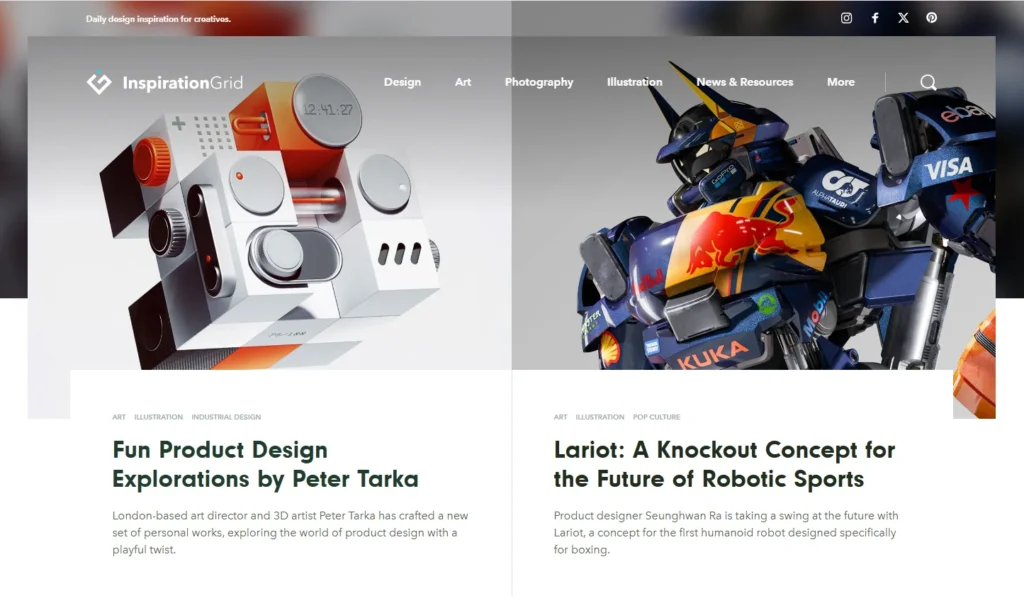
Inspiration Grid is a standout among design showcase platforms.
With a sleek editorial layout and highly curated content, it appeals to visual professionals who want a break from cluttered feeds and overly commercialized visual discovery apps.
Each post is selected with the intention of covering disciplines like graphic design, photography, illustration, typography, and branding.
Unlike Pinterest, which focuses on user-generated pinboards, Inspiration Grid highlights projects from talented creatives around the world.
It serves as a refreshing place to browse curated ArtArt and design inspiration, ideal for designers who want to stay creatively energized without relying on algorithm-based suggestions.
Pros:
- Curated, high-quality creative work
- Clean layout ideal for focus
- Covers a wide range of design categories
Cons:
- No personal content saving or account system
- Lacks interactive or bookmarking features
11. Hometalk – DIY & Home Décor Inspiration
Best For: Home projects, lifestyle bloggers, craft creators
Official Site: hometalk.com
Summary:
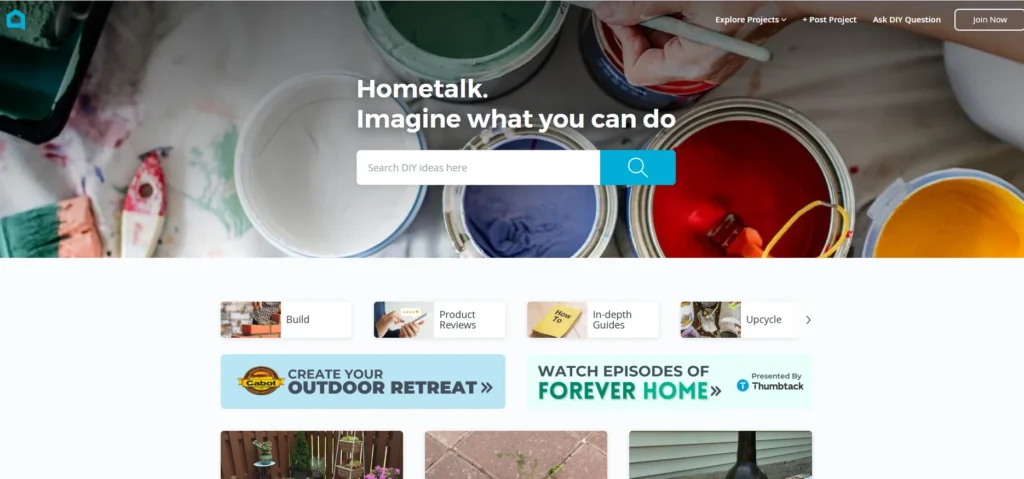
Hometalk is one of the most practical creative workflow platforms for hands-on individuals.
Focused on DIY, home improvement, and interior décor, it offers an alternative to Pinterest that’s more action-oriented.
The platform is filled with step-by-step tutorials, before-and-after projects, and video walk-throughs created by both professionals and hobbyists.
For lifestyle bloggers and home designers, Hometalk provides a space not only to discover ideas but also to share personal projects and connect with a like-minded community.
While Pinterest offers a broader variety of categories, Hometalk dives deep into the specifics of home transformation.
Pros:
- Highly niche-specific content
- DIY-friendly structure and tutorials
- Engaged user base of homeowners and creators
Cons:
- Narrow content focus outside of home/lifestyle topics
- May lack aesthetic diversity compared to broader platforms
12. Depositphotos – Stock Image Discovery with Visual Collections
Best For: Image sourcing with visual themes
Official Site: depositphotos.com
Summary:
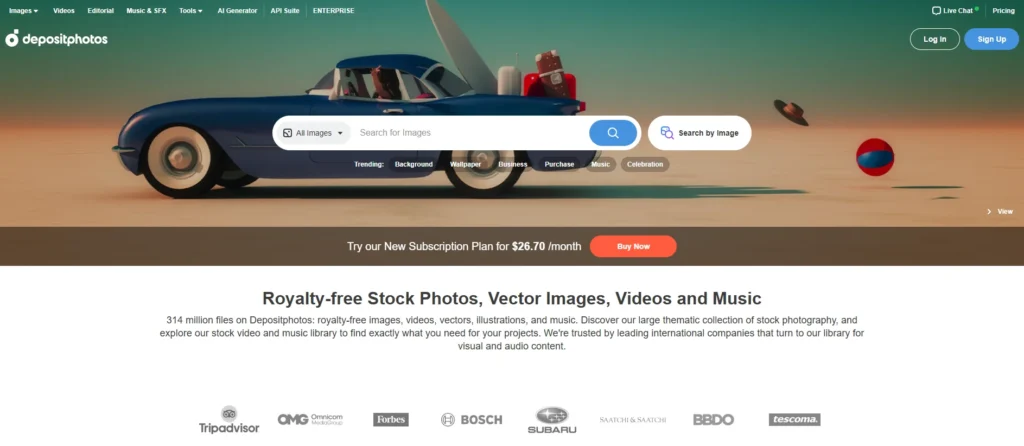
For users seeking sites like Pinterest for photos, Depositphotos delivers a massive library of high-resolution stock imagery sorted by theme, style, and purpose.
While primarily a stock photo marketplace, its curated collections offer a similar browsing experience to Pinterest—ideal for inspiration and practical use alike.
It’s particularly useful for bloggers, content marketers, designers, and businesses that need access to visual assets for projects.
The platform includes both free and paid options, with categories ranging from lifestyle and technology to abstract design and nature.
Pros:
- Vast visual content library with thematic browsing
- Option to purchase or download royalty-free images
- Curated collections mimic Pinterest board behaviour.
Cons:
- Not a community-based or social platform
- Best features behind a paywall
13. Pexels – Royalty-Free Visual Discovery
Best For: Content creators, bloggers, social media managers
Official Site: pexels.com
Summary:
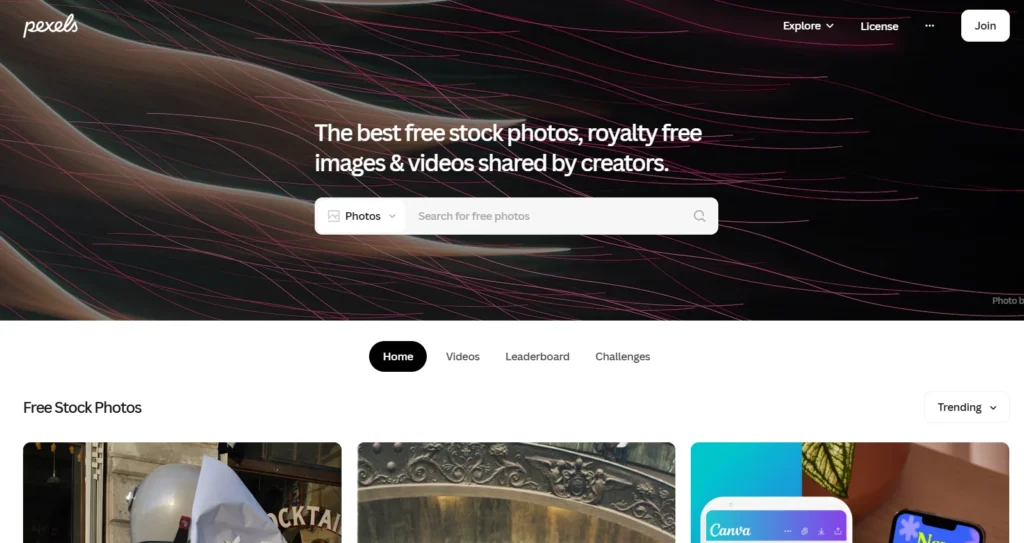
Pexels is a widely trusted platform for royalty-free image discovery, offering a massive library of photos and videos contributed by creators worldwide.
While it’s often categorized as a stock image source, its structure and visual browsing experience feel similar to photo bookmarking tools, making it useful for saving inspiration or assembling visual references.
Unlike Pinterest, Pexels does not rely on ads or algorithm-based feeds.
Instead, users can explore curated collections, trending topics, or keyword-based galleries.
Whether you’re designing a blog, planning a campaign, or simply sourcing imagery for content, Pexels delivers high-quality visuals with full commercial usage rights.
Pros:
- 100% royalty-free with no attribution required
- Clean, user-friendly interface
- It is ideal for saving mood board elements.
Cons:
- There is no option for creating personal boards or collaborative folders
- Limited community interaction
14. Unsplash – High-Quality Visuals for Creators
Best For: Photographers, bloggers, designers
Official Site: unsplash.com
Summary:
Unsplash has become a household name in the visual content world.
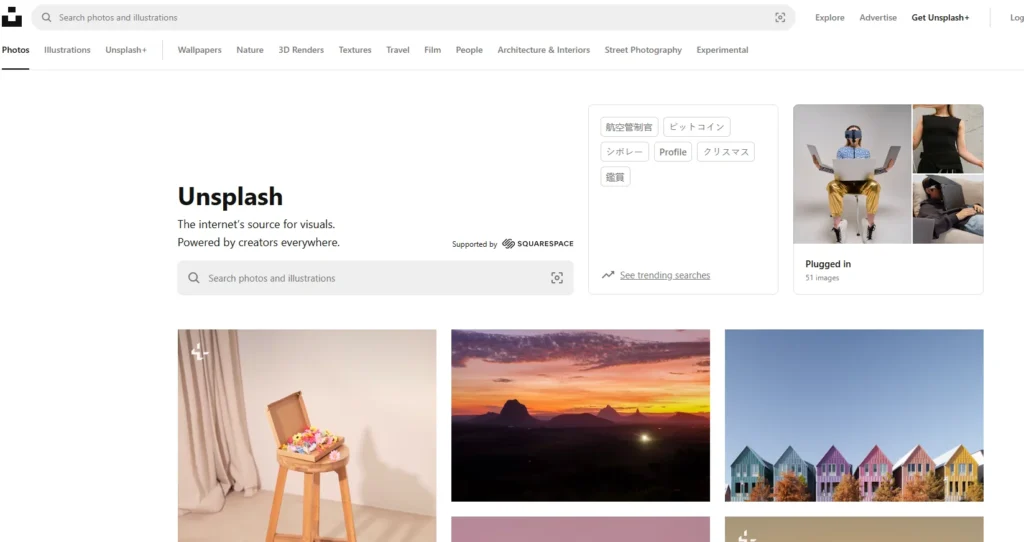
Known for its artistic image curation and high-resolution assets, Unsplash is a preferred source for bloggers, website owners, and designers looking to enhance their content without worrying about licensing issues.
While it doesn’t offer the “pin and board” system found on Pinterest, the browsing experience is similarly addictive.
Collections are well categorized, and users can save photos, follow contributors, and explore aesthetic galleries.
It functions more as a visual discovery tool than a social network, but that simplicity is what makes it effective for creators who prioritize quality over quantity.
Pros:
- High-resolution visuals for commercial use
- Curated by creatives with a photography-first focus
- Streamlined for fast image saving and downloading
Cons:
- There is no board or folder system for organizing saved content
- Some overlap with Pexel content due to similar contributors
15. Flipboard – Visual Magazine Content for News + ArtArt
Best For: Thoughtful content curators, lifestyle readers, digital publishers
Official Site: flipboard.com
Summary:
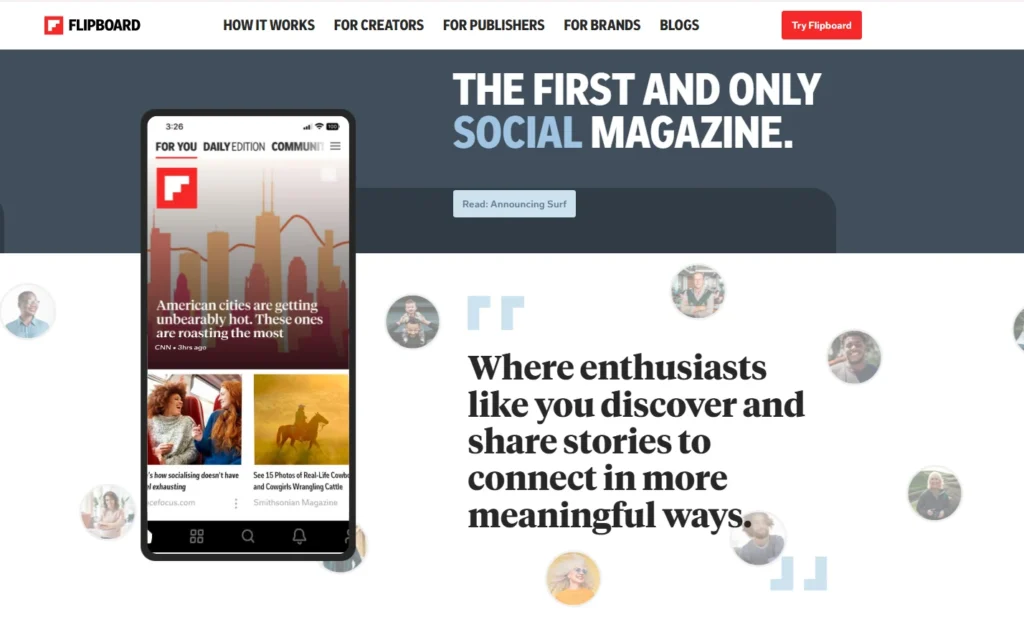
Flipboard transforms curated content into magazine-style reading experiences.
It blends articles, images, and videos into personalized feeds based on user interests.
What makes it one of the more unique Pinterest alternatives is its layout—it turns content discovery into a narrative, offering a fluid format for users who enjoy immersive browsing.
Unlike Pinterest, Flipboard places equal weight on visuals and editorial depth, which positions it as a solid option for those who appreciate visual storytelling apps.
Users can create their magazines, follow others, or explore themes ranging from design to tech to photography.
Pros:
- Magazine-style visual experience
- Great for editorial and long-form visual content
- Custom magazines foster curated expression.
Cons:
- The ad-supported interface can be distracting
- Less emphasis on saving individual images
16. DeviantArt – Art Communities & Visual Portfolios
Best For: Illustrators, digital artists, fan art creators
Official Site: deviantart.com
Summary:
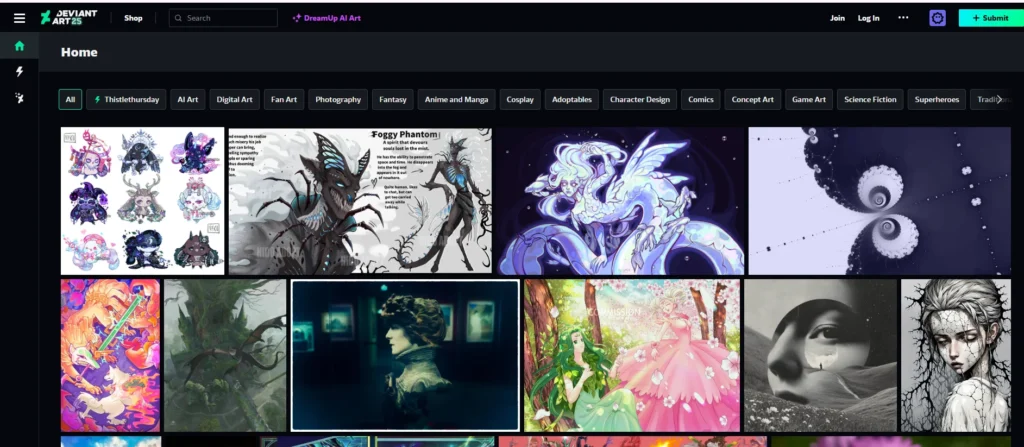
DeviantArt is one of the longest-standing and most expansive online art communities, making it a powerful Pinterest alternative for illustrators, digital painters, and visual storytellers.
Unlike Pinterest’s image bookmarking style, DeviantArt offers a gallery-driven format where users can showcase original artwork, animations, character concepts, and more.
With tools for publishing, community feedback, and even selling prints, it functions both as a creative discovery platform and a personal art portfolio.
For anyone who’s looking for a space that celebrates original artistic creation over curating existing ideas, DeviantArt delivers unmatched value.
Pros:
- Active global community of artists and fans
- Built-in portfolio hosting with comment and favorite features
- Options for monetization via prints and commissions
Cons:
- Less effective for moodboarding or project curation
- Community can be niche-specific and overwhelming for beginners
17. Instagram – The Original Visual Sharing Powerhouse
Best For: Broad content, trends, creators, influencers
Official Site: instagram.com
Summary:
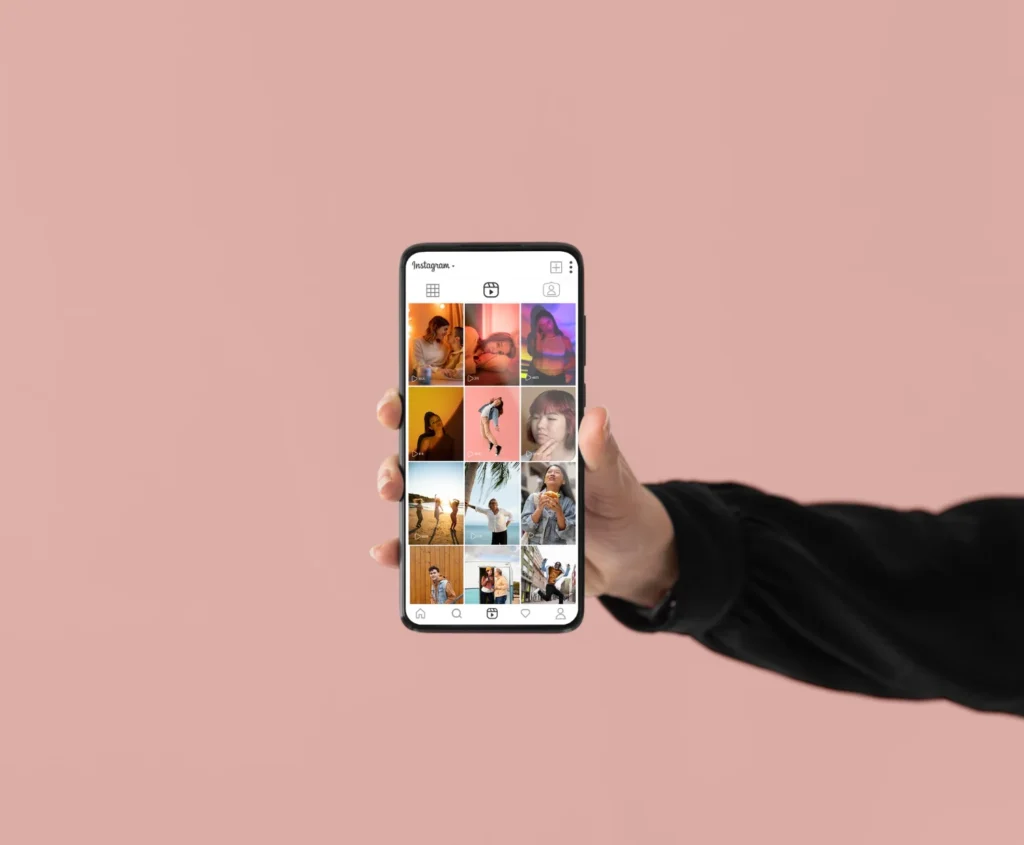
While often viewed as a mainstream social platform, Instagram continues to function as one of the most powerful social media for artists and designers.
Its visual-first format, creative tools, and content reach make it a natural alternative for those who use Pinterest to explore trends, gather inspiration, or grow their brand.
Instagram’s strengths lie in its real-time engagement, visual storytelling features (Reels, Stories, Carousels), and discoverability via hashtags and Explore.
Unlike Pinterest, it allows two-way communication and community building, which can be especially valuable for artists, bloggers, and content creators who want to connect while showcasing their work.
Pros:
- Massive global reach and creator tools
- Versatile content formats (image, video, stories)
- Strong discovery through hashtags and trends
Cons:
- Algorithmic feed may limit organic reach.
- Not designed for structured visual bookmarking
Pinterest Alternatives by Use Case
Not every creative need is the same—and neither is every visual platform.
While Pinterest may be a go-to for many, not everyone is looking for a single, catch-all solution.
Some users want sites like Pinterest for ArtArt, while others are focused more on fashion aesthetics or organized inspiration boards.
This section breaks down the best alternatives by purpose, helping you find the right platform based on what you actually want to create, curate, or explore.
For Art & Visual Exploration
If your focus lies on conceptual thinking, digital sketches, or collecting visual references for your artistic process, certain Pinterest alternatives are far better suited than generic image feeds.
Platforms like Are. na, Designspiration and Inspiration Grid offer quiet, clutter-free environments tailored for creative idea sharing and curated discovery.
- Are. na provides an ad-free, minimalist space to organize visuals into blocks and channels. It functions more like a digital sketchbook than a social network, ideal for artists and students who want to document their visual research.
- Designspiration is perfect for moodboard-style inspiration. It delivers a Pinterest-like experience but without distractions, making it a strong option for users who want to visually brainstorm or explore design elements by colour, typography, or layout.
- Inspiration Grid stands out as a curated showcase of global talent. With an editorial layout and theme-based organization, it’s especially beneficial for illustrators and designers who value discovery over social sharing.
For Fashion and Aesthetic Moodboards
When it comes to aesthetic content discovery, Pinterest remains popular, but several alternatives go deeper into fashion-focused visuals and curated personal style collections.
Whether you’re a fashion blogger, stylist, or mood board creator, platforms like We Heart It, Flipboard, and Instagram offer unique advantages.
- We Heart It is ideal for younger creatives looking to save and share fashion, quotes, and aesthetic vibes. It leans heavily on community expression and lifestyle-focused visuals, making it a natural fit for creating themed fashion boards.
- Flipboard, while often seen as a content aggregator, can serve as a visual magazine for fashion inspiration. Its magazine-style layout allows users to curate their style-focused publications, perfect for trend watchers and bloggers.
- Instagram continues to be a powerhouse for visual discovery. By following stylists, influencers, and fashion brands, users can tap into real-time aesthetic trends. It’s less structured than Pinterest but more dynamic in terms of user engagement and content diversity.
For Graphic Designers & UI Professionals
If you’re a digital designer, UI specialist, or creative director, using Pinterest for graphic design can feel limiting when it comes to showcasing polished projects or managing design workflows.
Fortunately, platforms like Behance, Dribble, and Cosmos are tailored to the needs of professional creatives who want more than just inspiration they want structure, community, and credibility.
- Behance is widely recognized for hosting design portfolios. It allows users to publish complete case studies, highlight interactive mockups, and connect with a global creative network. For freelancers and design agencies, it doubles as a resume and showcase in one.
- Dribbble leans more toward visual previews, making it ideal for showcasing snippets of UI/UX work, branding projects, and motion graphics. It also functions as a job board for creative talent, helping designers get discovered by clients and employers.
- Cosmos brings minimalism to design inspiration. With its iOS-first approach and curated boards, it suits designers who want a focused, distraction-free environment for organizing typography, layout concepts, and colour palettes.
These platforms are not only Pinterest alternatives but also essential tools in a designer’s digital toolkit—purpose-built for showcasing real work, not just collecting it.
For Privacy & Non-AI Browsing
If you’re overwhelmed by Pinterest’s AI-based suggestions or concerned about data collection, there are Pinterest alternatives that put control back in your hands.
Platforms like Pearltrees, Are. Na, and DeviantArt focus on privacy-focused curation and non-AI visual discovery—making them ideal for users who prioritize intentional, ad-free browsing.
- Pearltrees lets users save links, images, and documents into categorized folders, supporting structured personal research. It’s a great fit for digital minimalists or educators who need a powerful bookmarking system without algorithmic noise.
- Are. na is built with privacy in mind—no ads, no likes, no algorithm—just pure content curation. Users build knowledge blocks and connect them into thought channels, making it a solid choice for researchers and visual thinkers.
- DeviantArt emphasizes simplicity and user control. You can save visuals and snippets privately, making it a quiet yet powerful space for visual bookmarking that doesn’t track behaviour or push trends.
These Pinterest without AI alternatives are ideal for individuals who value quiet, focused inspiration and need a more ethical or distraction-free alternative to mainstream platforms.
Pinterest vs Other Platforms (Side-by-Side Comparison)
Choosing the right visual discovery platform depends on what you’re trying to achieve.
While Pinterest is ideal for general inspiration and casual browsing, many professionals and creatives now seek platforms that offer more specialized features like project presentation, content organization, or non-AI visual curation.
Below is a comparison of Pinterest with top alternatives like Behance, Dribble, Mix, and others.
This table outlines the primary strengths and limitations of each platform so you can decide which one fits your workflow best—whether it’s design portfolio hosting, creative idea sharing, or simply exploring aesthetic content without distractions.
| Platform | Best For | Strengths | Limitations |
|---|---|---|---|
| General inspiration, lifestyle content | Wide user base, easy pinning, visual boards | Ad-heavy, AI-curated feed, lacks pro tools | |
| Behance | Professional portfolios, design case studies | Rich project presentation, Adobe integration | Not ideal for casual users, limited content discovery |
| Dribbble | UI/UX design, freelance showcase | High-quality previews, job board, creative community | Invite-only for posting, limited browsing categories |
| Designspiration | Moodboard curation, visual concepts | Minimal UI, curated content, great for design references | No interaction features, smaller image library |
| Mix | Personalized content discovery | AI-driven feed, easy browser extension | No board/folder structure, algorithmic control |
| Pearltrees | Research, visual bookmarking | Folder-style org., supports multiple content types | Paid features, steeper learning curve |
| Are.na | Thought mapping, visual research | Ad-free, non-AI, block-based idea curation | Limited audience, niche use case |
| DeviantArt | Illustrators, digital artists, and fantasy | Large global art community, portfolio-style galleries | Not ideal for moodboarding or visual project organization |
How to Choose the Right Pinterest Alternative
Choosing between different sites like Pinterest depends on more than just layout or popularity.
The ideal platform aligns with your purpose—whether that’s growing a visual brand, collecting creative references, or simply finding organized inspiration without the noise of algorithms.
Let’s break it down based on who you are and what you need.
If You’re a Designer or UI/UX Professional
You’ll benefit from platforms that offer design portfolio hosting and professional presentation features.
Tools like Behance and Dribble are built to help you not just collect inspiration but showcase your work to potential clients and collaborators.
They support detailed case studies, clean visual previews, and community interaction that Pinterest lacks.
If You’re a Photographer or Content Creator
You need a space where photo-saving tools and discovery work seamlessly.
Unsplash and Pexels offer royalty-free libraries with aesthetic layouts that mirror the visual discovery experience of Pinterest without the clutter or licensing issues.
These platforms prioritize quality imagery and straightforward organization.
If You’re a Fashion Blogger or Trend Curator
Visual expression and moodboarding are central to your content strategy.
Platforms like We Heart It, Instagram, and Flipboard excel at aesthetic content discovery and staying on top of style trends.
Whether you’re building fashion boards or sharing curated looks, these tools offer more cultural relevance and real-time engagement than Pinterest’s static pin format.
If You’re a DIYer or Lifestyle Blogger
You’ll want a platform with depth, tutorials, and audience alignment.
Hometalk is a strong Pinterest alternative in this space, offering a community-driven experience for home projects and craft inspiration.
Unlike Pinterest, which often redirects to third-party sites, Hometalk keeps content native and actionable.
If You Want Privacy, Focus, or AI-Free Browsing
When distraction-free discovery matters, tools like Are. na, Pearltrees, and DeviantArt are tailored to those seeking non-AI visual curation and privacy-focused inspiration.
These platforms don’t rely on feeds or algorithms.
Instead, they provide clean interfaces where you can control what you save, view, and revisit.
Tools That Complement Pinterest Alternatives
While platforms like Pinterest and its alternatives help you discover and organize visual content, they’re not always enough on their own.
To get the most out of your creative workflow, it’s important to pair these platforms with productivity tools that enhance planning, layout design, and content execution.
Whether you’re collecting ideas for a new brand identity, building client mood boards, or structuring a full design brief, the following tools work seamlessly alongside your favourite sites like Pinterest.
1. Canva – For Visual Design & Quick Prototyping
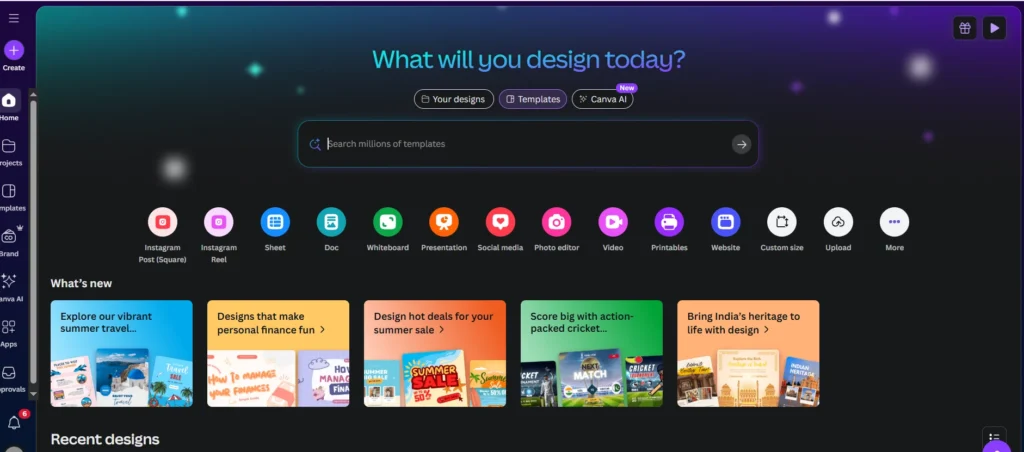
Canva is a drag-and-drop design platform that’s perfect for transforming your saved inspirations into polished visuals.
Whether you’re pulling references from Pinterest alternatives like Behance or Dribble, Canva makes it easy to turn those into brand mockups, social media posts, or client-ready presentations.
2. Notion – For Moodboards and Visual Content Mapping
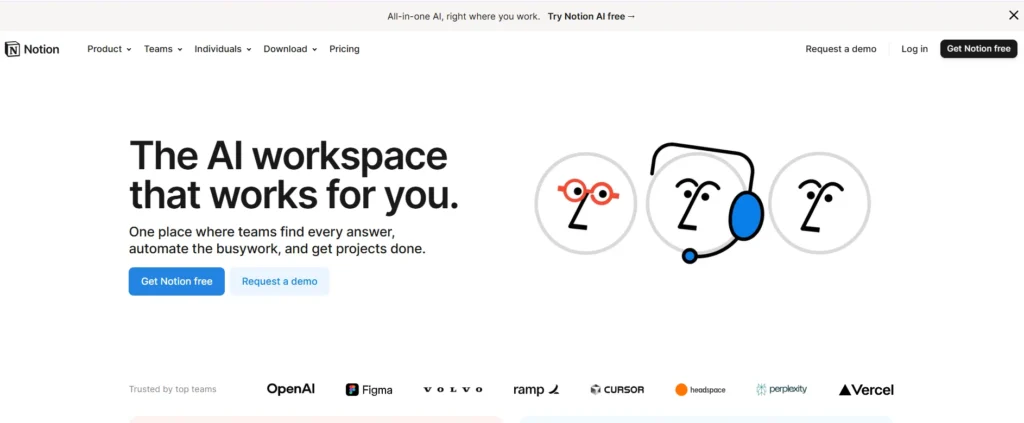
The Notion is widely known for its flexibility, but what sets it apart for creatives is its use as a digital mood board builder.
You can embed images from platforms like Designspiration or Are. Na, categorize ideas with tags and collaborate across teams.
If you’re using sites like Pinterest for inspiration, Notion helps bring that inspiration into your planning structure—turning aesthetic ideas into executable plans.
3. Trello – For Creative Planning and Editorial Calendars

Trello helps streamline the messy middle of any creative process.
After gathering visuals from your preferred Pinterest-style platforms, you can drop them into Trello boards and move them through stages like “Concept,” “Design,” and “Publish.”
It’s especially useful for bloggers, content creators, and designers managing collaborative projects.
4. Milanote – For Design Workflows and Client Briefs
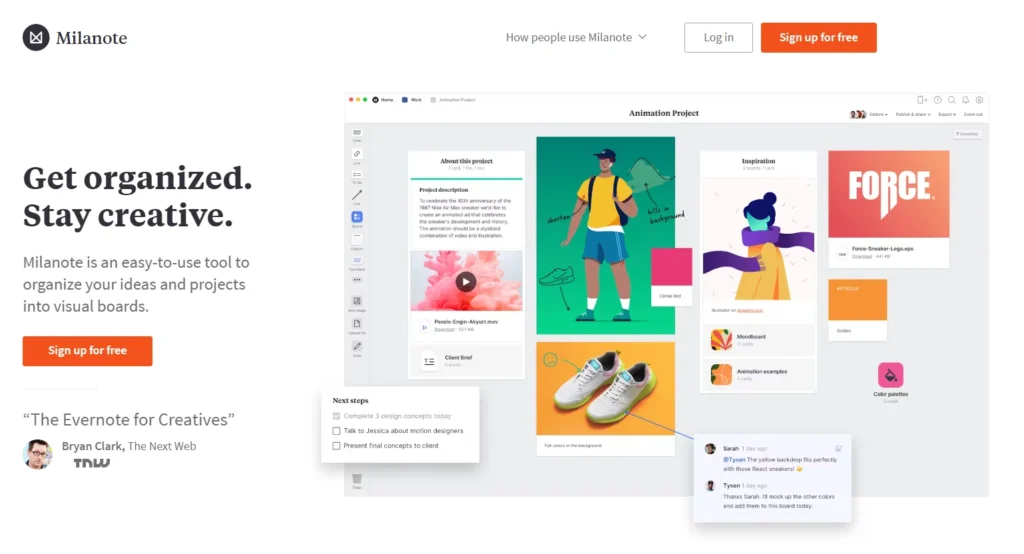
If you’re looking for a structured tool to replace or enhance your use of Pinterest for graphic design, Milanote is a top choice.
It lets you organize images, files, colour palettes, and links into visual boards that mimic the creative brainstorming process.
It’s ideal for freelancers or studios that want to present cohesive ideas to clients.
Final Thoughts
In 2026, relying solely on one platform for inspiration is no longer enough.
While Pinterest still holds its place as a go-to visual discovery platform, today’s creators need more focused, flexible, and purpose-built tools to stay ahead.
The good news is that there are now sites like Pinterest for virtually every niche whether you’re an artist building mood boards, a designer publishing portfolios, or a minimalist seeking non-AI visual curation.
Platforms like Behance, Dribble, and Are. Na and Flipboard fill gaps Pinterest doesn’t cover, from design portfolio hosting to aesthetic content discovery and privacy-focused inspiration.
Diversifying your creative toolkit means embracing platforms that align with your workflow, not just your feed.
Each tool recommended in this guide offers something unique use this to your advantage and test the one that complements your style and goals best.
What about you? Do you have a favourite Pinterest alternative or a platform that helped reshape your creative process? Let us know in the comments—we’d love to hear what you’re using and why.
FAQs – Choosing the Right Pinterest Alternative (2026 Update)
Is there a better alternative to Pinterest?
It depends on your needs. If you’re looking for a professional design presentation, Behance is superior.
For minimal distraction and privacy, Are. Na and DeviantArt are excellent options.
Is there an app like Pinterest without ads?
Yes, Are. Na, DeviantArt, and Pearltrees (premium) provide ad-free, algorithm-free browsing experiences that focus on clean content curation.
Is Lemon8 better than Pinterest?
Lemon8 caters more to lifestyle influencers with a social-first approach.
Pinterest is broader and more established, but Lemon8 can be a useful addition for creators focused on trends and community engagement.
Who is Pinterest’s biggest competitor?
Instagram and Dribbble are two of Pinterest’s most relevant competitors.
Instagram is in terms of visual reach and real-time content, and Dribbble is in the graphic design and professional space.
What features make Cosmos a popular Pinterest alternative for iOS users?
Cosmos offers a curated, ad-free environment that feels like a digital mood board.
Its creative workflow platform structure appeals to iOS users who value elegance and simplicity.
How do platforms like Pearltrees and My Mind differ in organizing visual inspiration?
Pearltrees uses tree-style folders for structured organization, while my mind applies AI tagging for auto-sorting.
Both are useful for private, distraction-free bookmarking.
Which sites are best for professional design portfolios besides Pinterest?
Behance and Dribble are top-tier platforms for hosting design portfolios and sharing case studies, which are ideal for freelancers and creative professionals.
Can I find niche content on Are? Na or Mix.com?
Yes, Are. Na specializes in conceptual exploration with block-based organization, while Mix curates content using interest-based algorithms, which is great for niche inspiration discovery.
How do curated platforms like Designspiration enhance creative workflows?
Platforms like Designspiration deliver aesthetic content discovery in a minimalist, distraction-free interface, helping users stay focused while building themed mood boards.
Who mostly uses Pinterest?
Pinterest has a broad user base but is especially popular among lifestyle bloggers, DIYers, and creative hobbyists.
Its algorithm caters well to casual discovery but less so to professionals seeking curated control.
Also Read:
- Canva Alternatives 2026 – Better and Cheaper Than Canva at Zero Monthly Fee?
- How To Make Website In 2026 – Step By Step Guide