Quick Answer: The best Amazon keyword research tools in 2026 are Helium 10 for comprehensive data and reverse ASIN competitor research, Jungle Scout for all-in-one FBA seller tracking, and Keyword Tool Dominator for free autocomplete ideas. For sellers who also run Google or SEO traffic, Ahrefs covers Amazon keyword search volume alongside a much larger multi-platform database.
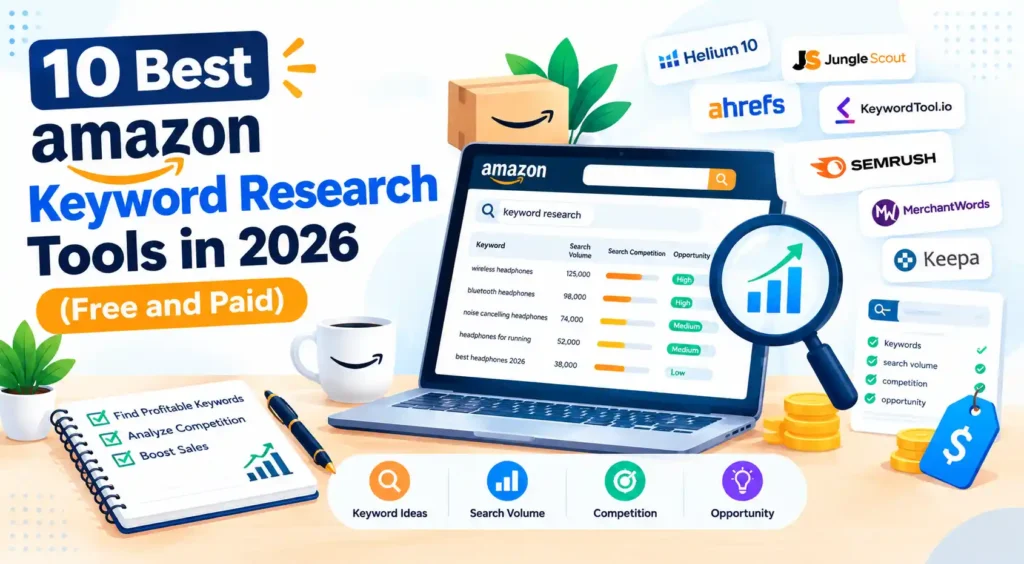
Are you looking for the best Amazon keyword research tool to uncover the search terms your customers are actually typing?
If your Amazon listing is buried on page eight, the problem may not be your product. It may be your keywords. Finding the right search terms can be the difference between a listing that gets consistent visibility and one that shoppers never discover.
This guide is for FBA sellers, private label brands, and PPC managers looking for the Amazon keyword research tool free in 2026, whether you want a free or paid option, traditional keyword research, or an AI-powered solution.
We’ll break down how Amazon’s search algorithm ranks listings, what to look for in a keyword research tool, and 10 popular tools in detail. You’ll also get a step-by-step keyword research process, common mistakes to avoid, and a simple decision framework to help you choose the right tool for your business.
Amazon Keyword Research Tools at a Glance
Helium 10 leads on data depth, Jungle Scout leads for beginner-friendly all-in-one FBA research, Keyword Tool Dominator is the strongest free pick, and Ahrefs is the choice if you also run SEO or content outside Amazon.
Search volume figures from every third-party tool are estimates built on each vendor’s own methodology, so treat them as directional, not exact.
| Tool | Best for | Free option | Starting price | Amazon volume | Reverse ASIN |
|---|---|---|---|---|---|
| Helium 10 | Deep data and PPC | Yes, very limited | $129/month | Yes | Yes |
| Jungle Scout | All-in-one FBA research | Free trial only | About $29 to $49/month | Yes | Yes |
| Ahrefs | Multi-platform keyword database | Free (own sites) | $129/month | Yes | No |
| Keyword Tool Dominator | Free autocomplete ideas | Yes | Free to paid tiers | No | No |
| SellerSprite | Reverse ASIN on a budget | Yes, limited | About $20/month | Yes | Yes |
| AMZScout | Budget seed keyword discovery | Yes, limited | From $29/month | Yes | Yes |
| Viral Launch | Listing optimization and launch | No | From $69/month | Yes | Yes |
| MerchantWords | High-volume keyword database | No | From $35/month | Yes | No |
| SellerApp | Long-tail keyword generation | Yes, limited | From $39/month | Yes | Yes |
| Amazon’s own tools | Free, first-party data | Yes (Seller Central) | Free | Yes | No |
What Is Amazon Keyword Research?
Amazon keyword research is the process of finding the search terms shoppers type into Amazon’s search bar when looking for products like yours, then using those terms in your title, bullet points, description, and backend search fields so your listing shows up for them.
It differs from Google SEO in one key way: Amazon’s A9/A10 algorithm ranks by purchase likelihood, not just relevance.
A keyword with high search volume but low buyer intent can drive traffic while doing little for sales, so keyword research on Amazon is inseparable from conversion.
How the Amazon Search Algorithm Works?
1. Crawling and Indexing on Amazon
Amazon indexes your listing for keywords found in specific fields: title, bullet points, description, and backend search terms. It does not crawl the open web. If a keyword is not in one of these fields, your product will not appear for that search regardless of relevance.
2. How Amazon Ranks Products?
Amazon prioritizes listings most likely to convert. Ranking factors include keyword relevance, click-through rate, conversion rate, and sales velocity, so keyword research and conversion optimization are the same job on Amazon.
3. What Amazon Keyword Search Volume Actually Means?
Amazon does not publish exact search volume. Third-party tools estimate it from autocomplete data, brand Analytics access, and their own methodologies, which is why figures vary between tools.
The Search Query Performance dashboard, available to brand Registry sellers, shows your own products’ impression share and click data for specific queries, making it the most accurate source of Amazon keyword search volume available.
What to Look For in an Amazon Keyword Research Tool?
- Amazon search volume data: How does the tool source it (autocomplete, brand Analytics, panel data)? Accuracy varies a lot between vendors.
- Reverse ASIN lookup: Enter a competitor’s ASIN and see every keyword that listing ranks for. This is one of the highest-value features in any keyword search tool for Amazon.
- Keyword difficulty and competition: Competing product counts and review depth show whether a term is realistically rankable.
- AI-powered features: In 2026, leading tools add AI for keyword clustering, listing suggestions, and trend prediction, which speaks directly to what the best AI tool for Amazon keyword research is.
- PPC integration: Does the tool connect keywords to bid suggestions, negative keyword lists, and campaign tracking?
- Long-tail and intent filtering: Can it separate high-intent buying phrases from broad, low-converting terms?
Types of Amazon Keywords and When to Use Them
- Short-tail keywords: Broad, high-volume terms like “yoga mat.” High competition, low specificity. Use in your title for category visibility, not as your only strategy.
- Long-tail keywords: Specific phrases like “non-slip yoga mat for hot yoga.” Lower volume, higher intent, less competition, and where most winning strategies focus.
- Branded keywords: Terms containing a competitor’s brand. You cannot use another brand’s name in your own listing copy, but you can target it in PPC where Amazon permits.
- Non-branded keywords: Generic product terms that make up most organic search traffic and should anchor your keyword strategy.
10 Best Amazon Keyword Research Tools in 2026
The tools below run from most comprehensive to most accessible, so match the tier to your stage and budget. Pricing changes often, so confirm current numbers on each vendor’s page before you buy.
1. Helium 10: Best Overall Amazon Keyword Research Tool
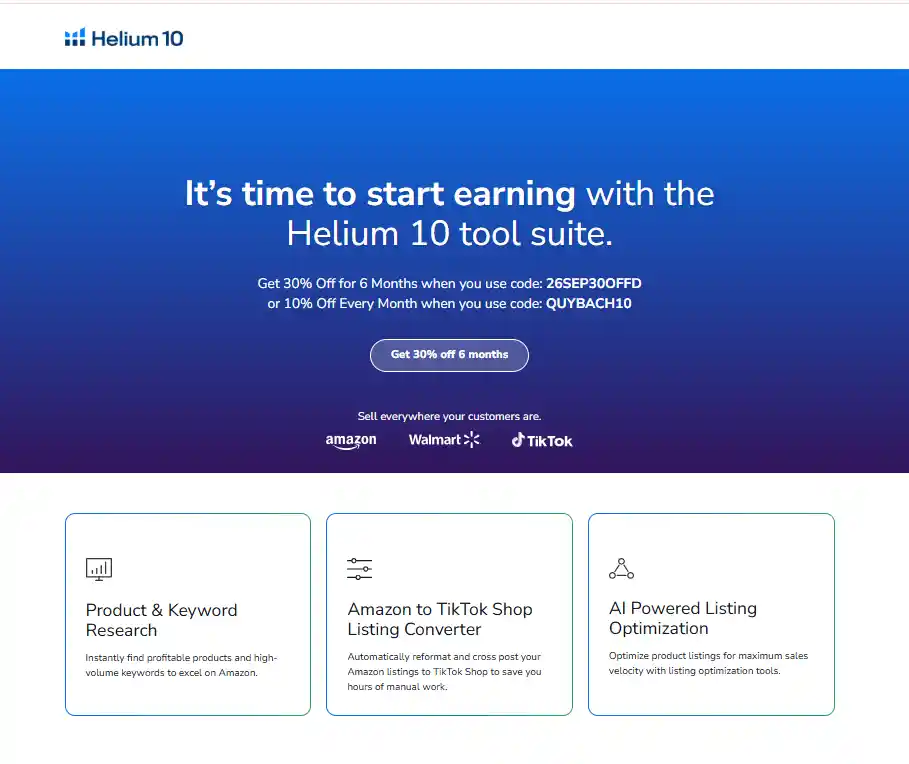
Helium 10 is the most widely used professional-grade Amazon keyword suite, combining keyword discovery, reverse ASIN, listing optimization, and PPC management in one platform. It launched in 2016 and is the benchmark most other tools in this list are measured against.
It suits professional FBA sellers, private label brands, and agencies managing multiple accounts who need the deepest keyword data available.
Key Features
- Magnet: keyword discovery from a seed term, with estimated monthly search volume
- Cerebro: reverse ASIN tool showing every keyword a competitor’s listing ranks for
- Black Box: product research paired with keyword data
- Adtomic: AI-assisted PPC campaign management built on keyword data
- AI Listing Builder: generates an optimized title, bullets, and description from your keyword list
- Free plan: two Magnet searches per day, enough to test the interface, not for ongoing work
Pros
- Deepest Amazon keyword data of any tool in this comparison
- Cerebro reverse ASIN is the most accurate competitor lookup available
- AI features cut real time out of listing writing and PPC management
Cons
- Helium 10 discontinued its lower-cost Starter plan in April 2026, so the entry paid tier now starts at $129 a month
- Free plan is too limited for regular use
- Full feature depth takes real time to learn
Pricing: Free plan (very limited). Platinum from $129/month ($99/month billed annually). Diamond from $359/month.
2. Jungle Scout: Best for All-in-One FBA Seller Research
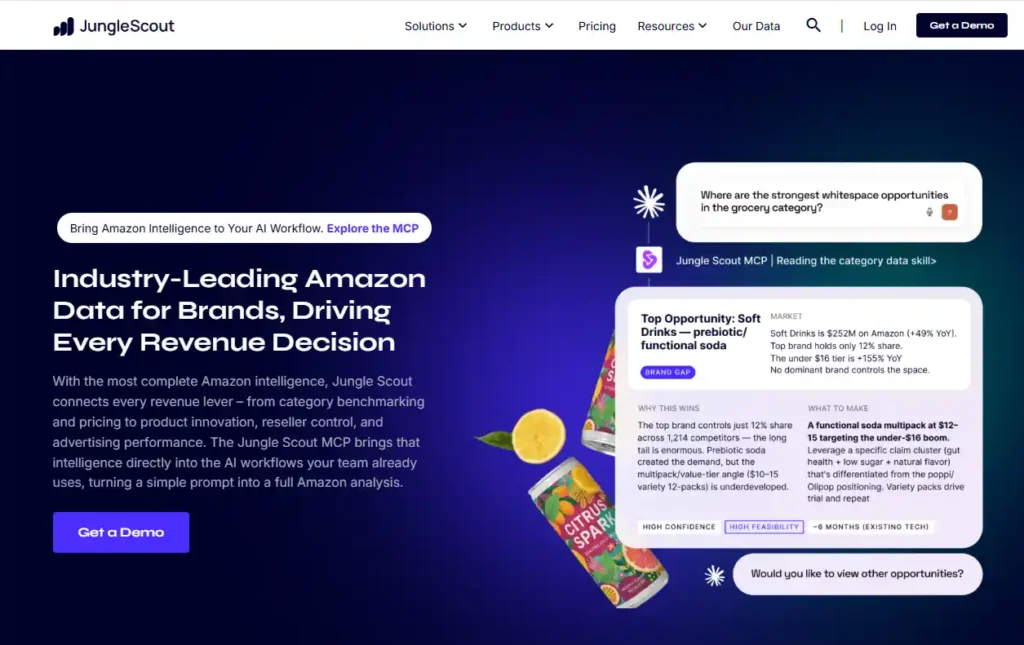
Jungle Scout is the original all-in-one Amazon seller platform, launched in 2015, with Keyword Scout as its dedicated keyword module. It is the closest direct rival to Helium 10.
It suits FBA beginners launching a first product and sellers who want an easier interface than Helium 10’s maximum data depth.
Key Features
- Keyword Scout: search volume, competition scores, and related keyword suggestions from a seed term or ASIN
- Rank Tracker: monitors your listing’s position for target keywords over time
- Opportunity Finder: pairs keyword data with product demand data
- AI Assist: helps generate optimized listing content from your keywords
- Listing Builder: shows real-time keyword coverage as you write your listing
Pros
- Cleaner, more beginner-friendly interface than Helium 10
- Keyword Scout volume data is well-regarded in the FBA community
- Strong historical trend data for seasonal planning
Cons
- No permanent free plan, only a free trial
- Keyword database is slightly smaller than Helium 10’s Magnet
- PPC tools are less developed than Helium 10’s Adtomic
Pricing: Free trial, no permanent free plan. Basic from about $29 to $49/month depending on billing, Suite from about $49 to $69/month.
3. Ahrefs: Best for Amazon Keyword Search Volume at Scale
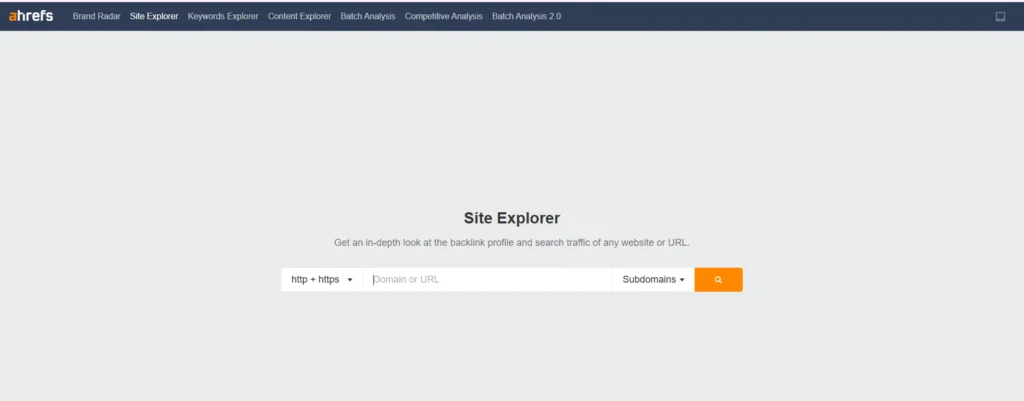
Ahrefs is best known as an SEO platform for Google, but its Keywords Explorer covers Amazon, YouTube, and Bing from one tool. For sellers who also run a blog, content site, or Google Ads alongside their Amazon store, this puts keyword research for every channel in one subscription.
It suits sellers with a content strategy alongside their Amazon store, and SEO professionals managing clients across multiple channels.
Key Features
- Keywords Explorer (Amazon): select Amazon as the search engine to see volume, difficulty, and related terms specific to Amazon’s index
- Amazon keyword search volume: one of the larger third-party databases of Amazon keyword data (reported)
- Traffic Potential: estimates total traffic from ranking for a keyword, accounting for related queries, a metric unique to Ahrefs
- Ahrefs Free: free for verified owners of their own domains, covering Google SEO rather than Amazon research
Pros
- Covers Amazon alongside Google, YouTube, and Bing in one platform
- Best fit if you run content marketing or SEO alongside your Amazon store
- Traffic Potential shows opportunity beyond one keyword’s raw volume
Cons
- Not Amazon-specific, so no reverse ASIN, listing builder, or PPC management
- Amazon data is one module, not the main focus
- At $129/month for Lite, it costs more than dedicated Amazon tools if Amazon research is your only need
Pricing: Ahrefs Free for your own sites. Lite from $129/month.
See our Ahrefs vs KWFinder comparison for how Ahrefs stacks up against a cheaper keyword-focused rival.
4. SellerSprite: Best for Reverse ASIN on a Budget
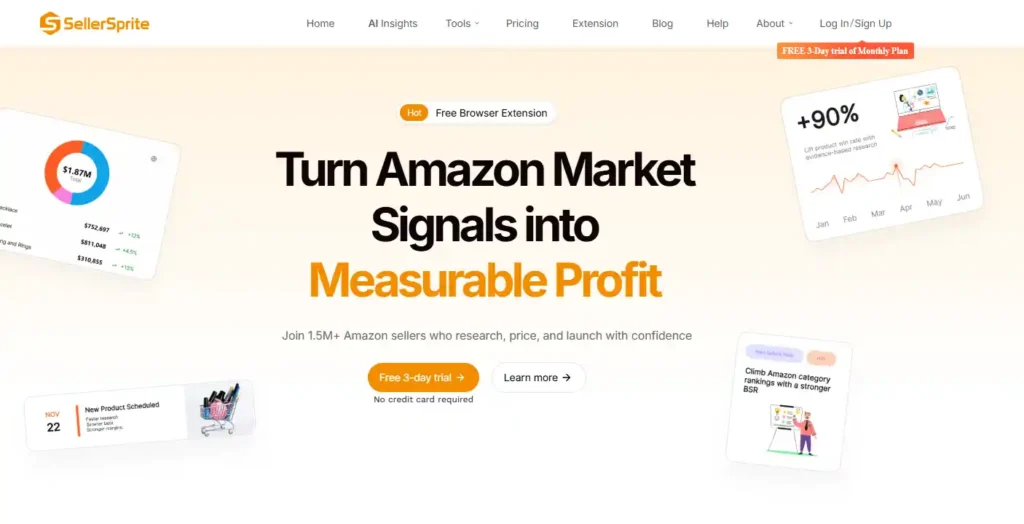
SellerSprite focuses on reverse ASIN research and trend tracking at a price well below Helium 10 or Jungle Scout. It pulls from Amazon’s own data infrastructure, which it says produces more accurate volume estimates than panel-based approaches.
It suits budget-conscious sellers who want reverse ASIN data without paying for a full suite.
Key Features
- Keyword Research: seed keyword lookup with volume, purchase rate, and competition
- Reverse ASIN: every keyword a competitor’s ASIN ranks for, with estimated impressions and clicks
- Traffic Analysis: traffic distribution across keywords for a listing
- Keyword Trends: seasonal and long-term demand charts
Pros
- Reverse ASIN at a much lower price than the two category leaders
- Purchase rate metric flags genuine buying intent, not just traffic
- Short learning curve
Cons
- Smaller brand recognition means fewer tutorials and less community support
- Listing builder and PPC tools are less developed
Pricing: Free limited plan. Paid plans start at about $20/month.
5. AMZScout: Best Budget Option for Seed Keyword Discovery
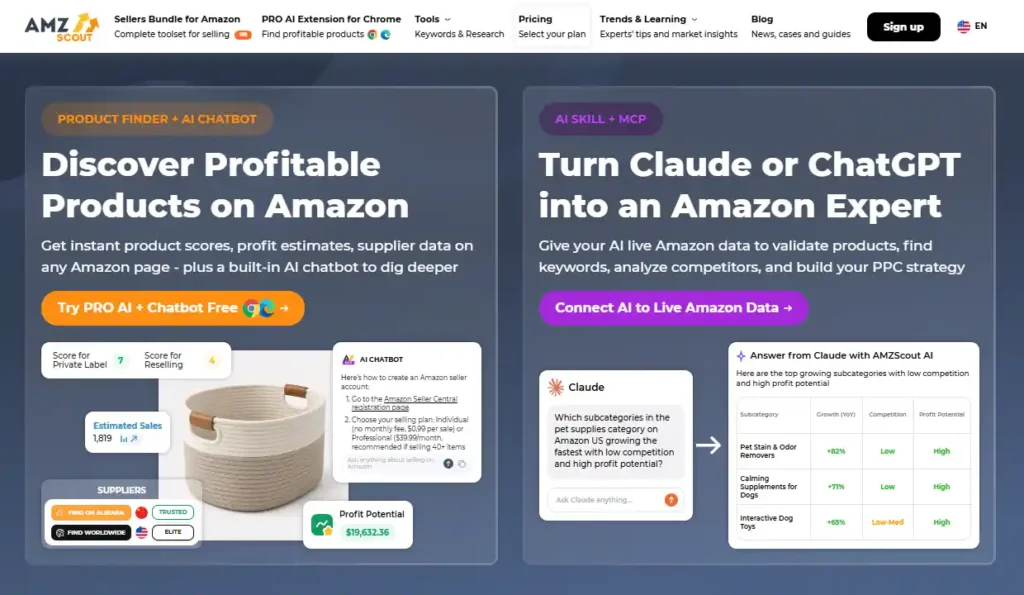
AMZScout covers core keyword and product research for sellers who are early in their Amazon journey and not ready to pay full price for Helium 10 or Jungle Scout.
It suits beginner sellers, dropshippers, and anyone testing a new niche before committing to a bigger platform.
Key Features
- Keyword Tracker: monitors your own ASIN’s rankings over time
- Product Database: product ideas alongside keyword demand
- Reverse ASIN: basic competitor keyword lookup, lighter than Cerebro
- Pro Extension: Chrome extension showing keyword and sales data on Amazon product pages
Pros
- Lower price than Helium 10 or Jungle Scout
- Chrome extension makes in-browser research fast
- Enough for basic discovery at the beginner stage
Cons
- Keyword data depth trails the category leaders
- Reverse ASIN is thinner than Cerebro
- Not built for large PPC budgets
Pricing: Free limited plan. Plans from $29/month.
6. Viral Launch: Best for Listing Optimization and Launch Keywords
Viral Launch combines keyword research, market intelligence, and launch tools, with its Keyword Research module built around picking keywords for sponsored product launches.
It suits sellers planning a launch and PPC-heavy strategies that use ads to build organic ranking.
Key Features
- Keyword Research: volume, trends, and relevance scoring
- Market Intelligence: keyword data paired with demand analysis for product selection
- Listing Analyzer: finds keyword gaps against competitor listings
- Kinetic PPC: integrated campaign management using keyword data
Pros
- Strong tie between keyword research and PPC management
- Listing Analyzer makes gaps easy to spot
- Market intelligence goes beyond keywords into product selection
Cons
- Higher price than AMZScout or SellerSprite for similar depth
- No free plan
- Smaller tutorial library than the category leaders
Pricing: No free plan. Plans from $59/month.
7. MerchantWords: Best for a Pure High-Volume Keyword Database

MerchantWords is a dedicated Amazon keyword database with no product research, listing builder, or PPC tools attached, just keyword data.
It suits sellers who already use a primary platform and want a second data source to cross-check, and content writers producing Amazon-optimized copy.
Key Features
- Keyword Database: large archive of Amazon search queries with volume estimates
- ASIN Plus: keyword lookup by ASIN
- Page One: shows which keywords are dominated by specific brands, useful for gap analysis
Pros
- Large, long-running database of Amazon search data
- Simple, focused interface
- Cheaper entry point than full-suite platforms
Cons
- No reverse ASIN at Helium 10’s depth
- No listing builder, PPC integration, or product research
- Works best as a supplement, not a standalone tool
Pricing: Plans from $35/month.
8. SellerApp: Best Free-Tier Option for Long-Tail Keywords

SellerApp combines seed keywords with modifiers to surface long-tail phrases that autocomplete-based tools miss.
It suits sellers on a tight budget researching a new category who want long-tail keyword opportunities with lighter competition than head terms.
Key Features
- Keyword Research: seed terms plus modifiers for extended long-tail lists
- Product Intelligence: demand and competition estimates for discovered keywords
- Listing Quality Score: analyzes your current keyword coverage
- AI features: keyword grouping and listing copy suggestions
Pros
- Free tier gives meaningful access with no credit card
- Long-tail generation surfaces ideas autocomplete tools miss
- AI listing suggestions speed up optimization for new sellers
Cons
- Free tier has daily limits
- Volume data depth trails Helium 10 or Jungle Scout
- Less established in the professional FBA community
Pricing: Free limited plan. Paid plans from $39/month.
9. Keyword Tool Dominator: Best Free Amazon Keyword Research Tool
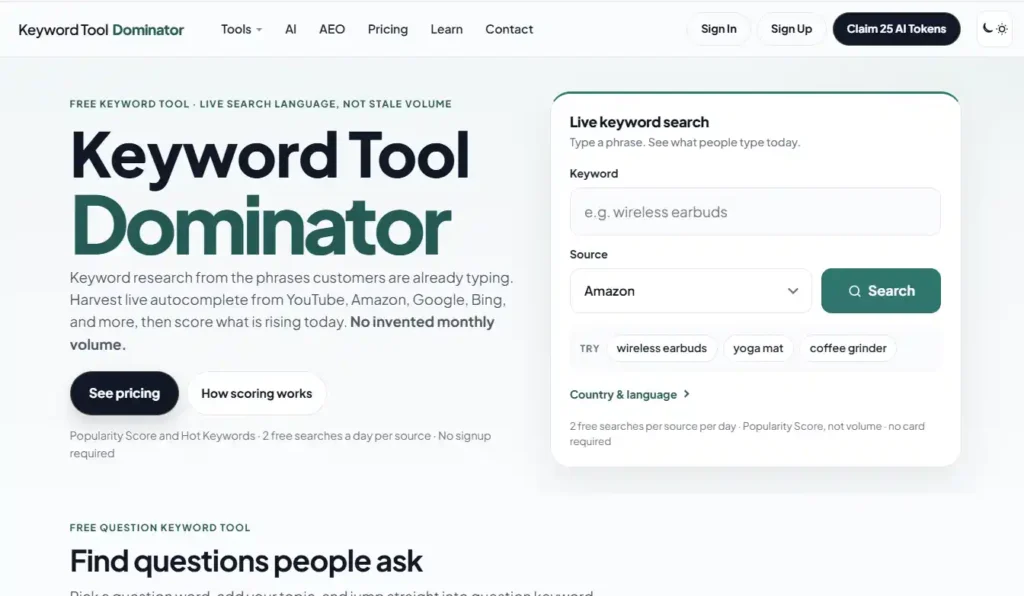
Keyword Tool Dominator is one of the most widely used free Amazon keyword tools, working by pulling Amazon’s own autocomplete suggestions in real time, no login required.
It suits beginners who want free keyword ideas before paying for a tool, and anyone validating a product concept.
Key Features
- Autocomplete scraper: collects every autocomplete suggestion for your seed keyword
- Multi-platform coverage: works across Amazon, Google, YouTube, Etsy, and Bing
- No login required for basic searches
- CSV export of collected keywords
Pros
- Free for basic use with no account
- Data comes straight from Amazon’s real autocomplete behavior
- Fast for quick idea generation across platforms
Cons
- No search volume data attached to the keywords
- No reverse ASIN capability
- No difficulty or PPC data, so it is idea generation only
Pricing: Free basic tier. Paid tier with added features.
10. Amazon’s Own Free Tools: The Best Starting Point Before Any Paid Tool
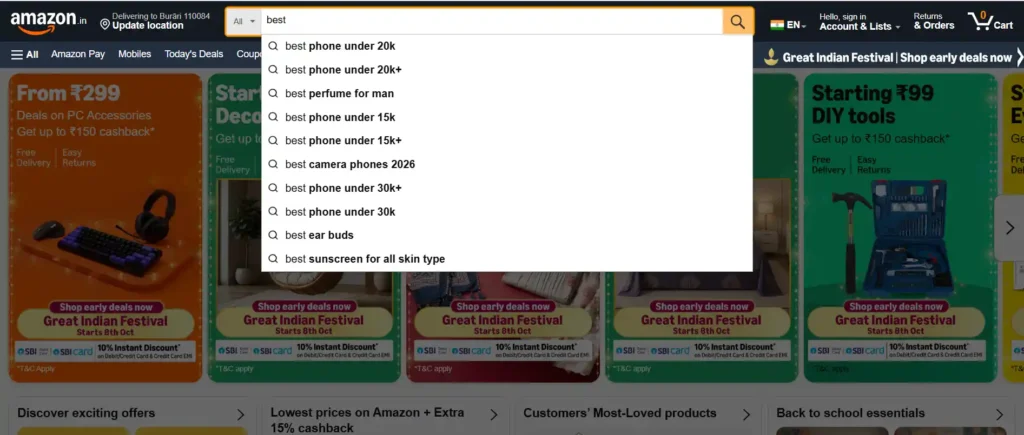
Before paying for any third-party tool, sellers with a Seller Central or brand Registry account have access to first-party data no outside tool can fully replicate.
Key Features
- Amazon search bar: typing a seed keyword and reading the autocomplete suggestions shows exactly what real shoppers type; free, no account required
- Product Opportunity Explorer: niche-level demand and competitor data inside Seller Central for professional selling accounts
- Search Query Performance dashboard: for brand Registry sellers, shows actual queries that led to your products, with impressions and clicks, the most accurate volume source available
- Top Search Terms dashboard: the 1,000 most-searched Amazon terms each week, inside brand Analytics for brand Registry sellers
- Search Catalog Performance dashboard: shows how your products perform for specific keywords by impressions, clicks, add-to-cart, and purchases.
Pros
- Free for Seller Central and brand Registry members
- First-party data, no estimation involved
- Search Query Performance is more accurate than any third-party volume estimate
Cons
- Requires an active account, and the best data requires brand Registry
- Less intuitive interface than dedicated tools
- No competitor reverse ASIN research, only your own products
What’s the Best AI Tool for Amazon Keyword Research in 2026?
AI features have moved from experimental extras to genuine time-savers across Amazon keyword tools in 2026.
- Helium 10’s: AI Listing Builder turns a compiled keyword list into a full title, bullets, and description, while Adtomic uses machine learning to automate PPC bids.
- Jungle Scout AI Assist: analyzes your keyword data, flags underused keywords in your current listing, and explains metrics in plain language for beginners.
- SellerApp: uses AI to cluster related keywords and suggest which clusters belong in your title versus your backend search terms.
General tools like ChatGPT and Claude cannot access Amazon’s own search volume data, but they are useful for expanding a seed keyword list and writing listing copy once you have real data from a dedicated tool.
The practical workflow: pull keyword data from Helium 10 or Jungle Scout, then use an AI writing tool to turn it into listing copy.
How to Use an Amazon Keyword Research Tool: Step by Step

Step 1: Start With a Seed Keyword
Enter your primary product category as one broad seed term to build your initial keyword universe. Aim for 50 to 100 keyword ideas before filtering.
Step 2: Analyze Search Volume and Competition Together
Sort by estimated monthly search volume and cross-reference competition data. For new listings with no ranking history, medium-volume terms with lower competition usually beat high-volume terms dominated by major brands.
Step 3: Reverse Engineer Competitor Listings
Run your top three competing ASINs through your tool’s reverse ASIN function. This is consistently the highest-return step in the process, since it surfaces keywords already proven to drive sales for similar products.
Step 4: Group Keywords by Intent
Sort your list into high-intent buying phrases, broad category terms for the title, and long-tail phrases for bullets and backend terms.
Step 5: Optimize Your Listing
Place your primary keyword in the title, ideally within the first 80 characters. Add secondary keywords to bullet points with natural phrasing, and fill backend search terms in Seller Central, up to 250 bytes, separated by spaces, with no repeated words.
Step 6: Launch and Track With PPC
Run auto-targeting PPC for the first two to four weeks after launch. Amazon’s auto-targeting reveals which keywords actually convert. Use the Search Term Report in Seller Central to move high performers into manual campaigns and add poor performers as negative keywords.
How to Add Keywords to Your Amazon Listing
Step 1: The Product Title
Include your primary keyword, brand name, key attributes like size or color, and one or two secondary keywords. Keep it readable, since Amazon penalizes titles stuffed with keywords that don’t clearly describe the product.
Step 2: The Bullet Points
Lead each of your five bullets with a benefit and work in one or two relevant keywords naturally. Use variations rather than repeating phrases already in the title.
Step 3: The Product Description
Use semantic variants of your main keywords here, written for buyer intent and benefits rather than exact repetition.
Step 4: The Backend Search Terms
Enter keywords that didn’t fit naturally elsewhere. Don’t repeat anything already in the title, bullets, or description. Use the full 250 bytes, separated by spaces; no commas needed.
Common Mistakes to Avoid in Amazon Keyword Research

- Choosing by volume alone: a keyword with 50,000 searches and 10,000 competing products is harder to rank than one with 5,000 searches and 200 competitors.
- Ignoring intent: informational searches like “how to clean a yoga mat” attract browsers, not buyers. Favor commercial-intent phrases instead.
- Repeating keywords across fields: Amazon does not reward repetition, so use different variations in each field to maximize total coverage.
- Not updating keywords regularly: search trends shift seasonally, so review your data quarterly.
- Skipping reverse ASIN research: starting from seed keywords alone misses the most direct data source available, proven keywords already driving sales for your competitors.
Which Amazon Keyword Research Tool Should You Use?
| Your situation | Best pick |
|---|---|
| Launching your first Amazon product | Jungle Scout, or Helium 10’s free plan |
| Professional FBA seller needing maximum depth | Helium 10 |
| Tight budget under about $20 a month | SellerSprite |
| Need a completely free tool to start | Keyword Tool Dominator, or the Amazon search bar |
| Running both Amazon and Google SEO | Ahrefs |
| Need AI listing writing alongside keyword data | Helium 10 or Jungle Scout |
| Testing a new niche before paying | AMZScout or SellerApp’s free tier |
| Brand Registry member wanting the most accurate volume | Amazon’s own Brand Analytics tools |
FAQs About Amazon Keyword Research Tools
What is the best Amazon keyword research tool in 2026?
Helium 10 is the strongest overall pick for professional sellers, combining the deepest keyword database, reverse ASIN, AI listing help, and PPC management in one platform. For free options, Keyword Tool Dominator and Amazon’s own brand Analytics tools cover the basics at no cost.
What are the best free Amazon keyword research tools?
Keyword Tool Dominator (autocomplete ideas, no account needed), SellerApp’s free tier (long-tail keywords with daily limits), and Amazon’s own search bar are the strongest free starting points. Brand Registry sellers also get free access to the Search Query Performance dashboard.
What’s the best AI tool for Amazon keyword research?
Helium 10 is the most AI-integrated dedicated Amazon platform, with its AI Listing Builder and Adtomic PPC automation. Jungle Scout AI Assist is more beginner-friendly. General AI tools like ChatGPT help expand keyword lists and write copy but cannot pull Amazon-specific volume data on their own.
What are the best keyword research tools for Amazon sellers?
By use case: Helium 10 for comprehensive research, Jungle Scout for all-in-one FBA work, Ahrefs for multi-platform coverage, SellerSprite for budget reverse ASIN, and Keyword Tool Dominator for free autocomplete data.
How do I find Amazon keyword search volume?
Third-party tools like Helium 10 Magnet and Jungle Scout Keyword Scout give estimated monthly volume. For the most accurate figures, Amazon’s own brand Analytics, available to brand Registry sellers, shows actual query performance including impressions and clicks. No tool publishes exact Amazon search volume; every figure is an estimate.
Can I do Amazon keyword research for free?
Yes. The Amazon search bar’s autocomplete is free and shows real shopper behavior. Keyword Tool Dominator, SellerApp, and AMZScout all offer free tiers. Brand Registry sellers get free access to Amazon’s own brand Analytics dashboards inside Seller Central.
How many keywords do I need for my Amazon listing?
Your title should hold your primary keyword plus two or three secondary terms. Each of your five bullets should carry one or two relevant keywords, and backend search terms allow up to 250 bytes more. Most well-optimized listings cover 20 to 50 distinct keyword phrases across all fields.
Where can I learn more about keyword research in general?
If you also write content or run a blog alongside your Amazon store, our guide to finding LSI keywords covers semantic keyword research for on-page SEO, and our Answer The Public alternatives roundup covers question-based keyword tools.
Final Thought
The right Amazon keyword research tool depends on your budget, your experience level, and whether you need Amazon-only data or multi-platform coverage for a wider content strategy.
Start with the free options to validate your approach, then move to Helium 10 or Jungle Scout once you’re ready to scale into full listing optimization and PPC management.
ALSO READ: