Quick Answer: The best YouTube alternatives are Vimeo, Dailymotion, Rumble, Odysee, and PeerTube for video sharing, Twitch and Kick for live streaming, and FreeTube or NewPipe for ad-free viewing. For live TV, Hulu + Live TV, Sling TV, and Philo replace YouTube TV.
YouTube is the default home for online video, but it is not the right fit for everyone. Ads, algorithm swings, and tougher monetization rules leave many people asking one simple question: Is there an alternative to YouTube?
Yes, and there are plenty. This guide covers the best YouTube alternatives for creators, viewers, business owners, and cord-cutters, comparing YouTube TV alternatives.
I will be upfront: YouTube still wins on reach, so the right pick depends on your goal. You will find each platform by use case, honest pros and cons, ways to earn money, and a short list of sites that are no longer worth your time.
What Are the Alternatives to YouTube? Quick Picks for 2026
The best alternatives to YouTube are Vimeo and Dailymotion for hosting and sharing; Rumble and Odysee for creators who want fewer restrictions; Twitch and Kick for live streaming; and Uscreen for selling video. If you only want to watch YouTube without ads, FreeTube and NewPipe do that.
| Platform | Best for | How you earn | Free to use | Type |
|---|---|---|---|---|
| Vimeo | Professional, ad-free video | Paid selling tools | Limited free plan | Hosting |
| Dailymotion | Global reach | Ad revenue via partner program | Yes | Video sharing |
| Rumble | Fewer restrictions, quick monetization | Ads, licensing, tips | Yes | Video sharing |
| Odysee | Independent creators | Crypto tips and rewards | Yes | Decentralized |
| PeerTube | Self-hosting, no ads | Your own setup | Yes (hosting costs) | Open source |
| Twitch | Live gaming communities | Subscriptions, Bits, ads | Yes | Live streaming |
| Kick | Bigger subscription share | 95/5 subscription split | Yes | Live streaming |
| TikTok | Short-form discovery | Creator programs, brand deals | Yes | Short video |
| Uscreen | Selling video subscriptions | Memberships, on-demand sales | Free trial | Monetization |
| FreeTube | Ad-free desktop viewing | None (viewing app) | Yes | Privacy client |
What Is an Alternative to YouTube?
An alternative to YouTube is any platform or app that lets you host, share, stream, or watch videos without relying on YouTube itself.
Some replace the whole site, like Dailymotion or Rumble. Some replace one feature, like Twitch for live streams or Vimeo for business hosting. Some only change how you watch, like FreeTube.
So, is there an alternative to YouTube? Yes, but which one depends on why you use it. Viewers want fewer ads, creators want better payouts or control, and businesses want a clean player without competitor ads.
Every video platform does three jobs: it stores and streams your files, helps people find them, and gives you a way to earn or measure results. Platforms differ in which of those jobs they do best.
One more thing to sort out early: YouTube TV is a separate paid service that bundles live TV channels. If that is what you want to replace, jump to the YouTube TV alternatives section below.
Why Look for Alternatives to YouTube?
YouTube is still the biggest video platform, which is why most creators keep it. They add a second platform for these reasons:
- Algorithm dependence: your reach can swing overnight when recommendations change.
- Monetization thresholds: full ad revenue needs 1,000 subscribers plus 4,000 watch hours or 10 million Shorts views. A fan-funding tier opens at 500 subscribers. The watch-hour and Shorts bars are due to rise to 8,000 hours and 20 million views on February 1, 2027, so check YouTube’s official page before you plan around them.
- Ads and tracking: viewers are subject to ads and data collection that they cannot control.
- Competitor ads on business videos: related videos can send your visitors somewhere else.
- Policy and copyright strikes: one strike can pause your income, so a second platform lowers the risk.
Spreading your traffic across platforms is a smart habit in general. Our guide to website traffic strategies covers more ways to do it.
The Split Strategy: Use YouTube for Reach and Another Platform for Control
You do not have to leave YouTube. Publish there for discovery, then host the videos that matter most, such as courses, sales pages, and member content, on a platform you control.
The goal is simple: send viewers to something you own, such as an email list or your own site, so that a rule change on one platform cannot wipe out your audience.
Best YouTube Alternatives in 2026
Here are 32 options, grouped loosely by what they do best. Pricing and payout terms change often, so confirm details on each platform’s own page.
1. Vimeo (Best for Professional Creators)
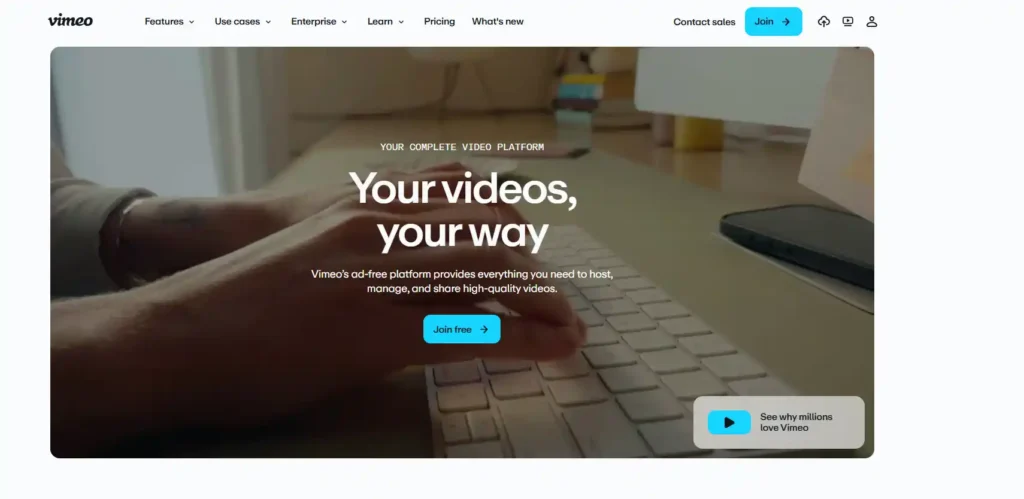
Vimeo is an ad-free video platform for filmmakers, agencies, and businesses that want a clean, brandable player.
It has a limited free plan, and paid plans start at about $12 per month on annual billing. Vimeo was acquired by Bending Spoons in late 2025, so plans and limits may continue to shift.
Pros
- No ads on your videos
- Privacy controls and a customizable player
Cons
- Bandwidth limits can catch growing sites.
- Little built-in discovery compared with YouTube.
2. Dailymotion (Best for Global Reach)
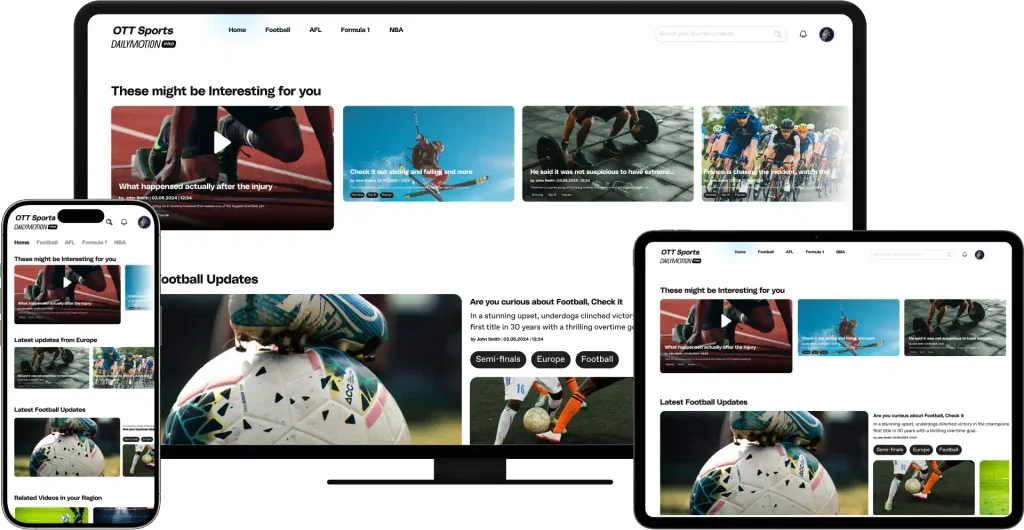
Dailymotion is a France-based, YouTube-style site with a strong international audience, especially in Europe. Creators can earn ad revenue through their partner program, and viewers get a familiar layout.
Pros
- Free to upload and watch
- Useful reach outside the US
Cons
- Far fewer viewers than YouTube
- Strict rules around copyrighted material
3. Rumble (Best for Creator Monetization)
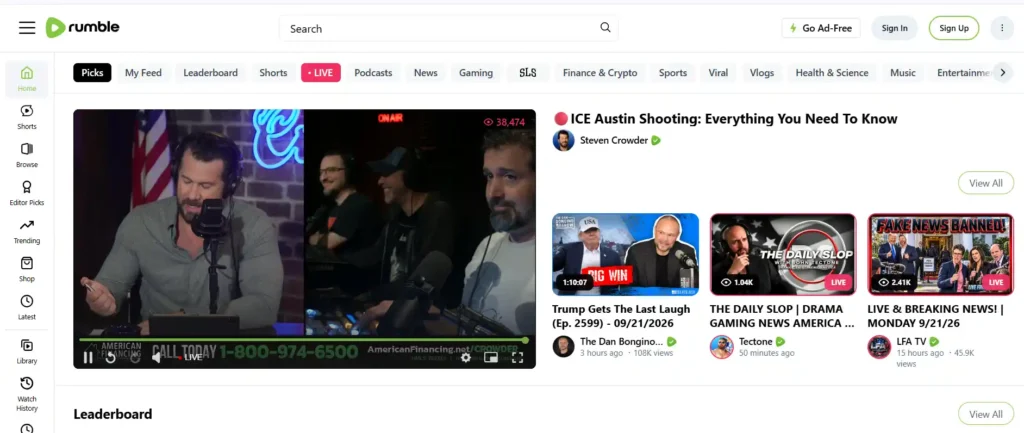
Rumble lets creators start earning without subscriber or watch-hour thresholds. It reportedly shares about 60 percent of ad revenue with creators and offers video licensing deals, tips through Rumble Rants, and paid communities through Locals.
Pros
- Quick monetization with no minimum audience
- Licensing deals for viral clips
Cons
- Smaller audience and weaker ad targeting than YouTube
- Lighter moderation can worry some advertisers.
4. Twitch (Best for Live Gaming Communities)
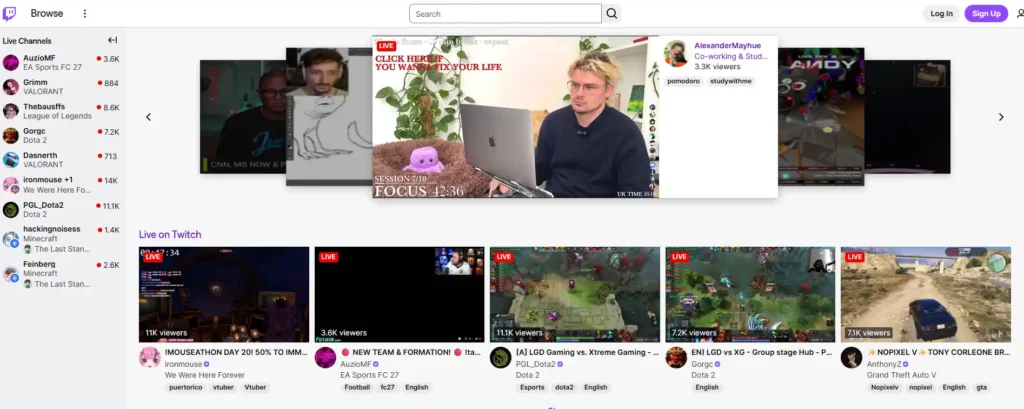
Twitch, owned by Amazon, is the leading live-streaming site for gaming and just-chatting streams. The standard subscription split is 50/50. A Partner Plus program lifts it to 70/30 on the first $100,000 a year, but only for partners with at least 350 paid subscribers.
Pros
- Huge live audience and strong community features
- Several income streams: subscriptions, Bits, and ads
Cons
- Half of standard subscription revenue goes to Twitch.
- Crowded categories make discovery hard.
5. Kick (Best for Streamers Seeking Revenue Share)
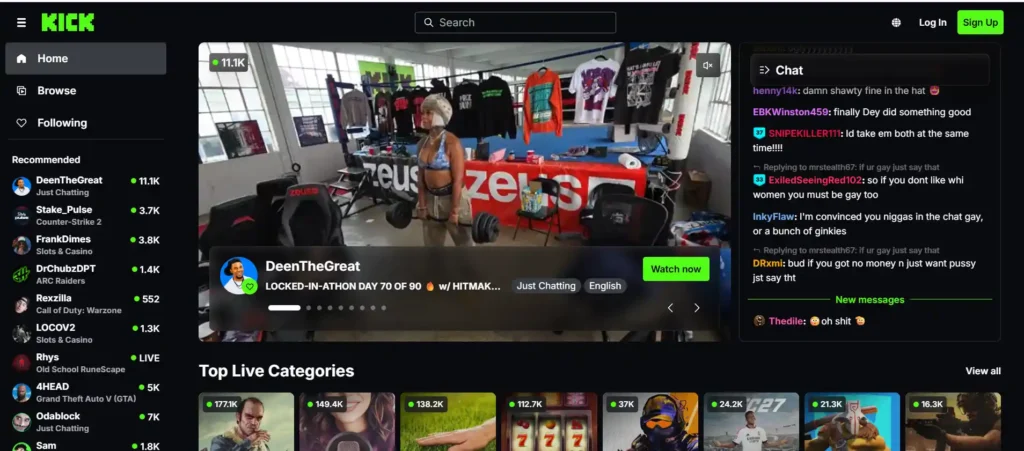
Kick launched in December 2022 and pays streamers 95 percent of subscription revenue. On a $4.99 sub, that leaves about $4.74 for you. It was started by the co-founders of Stake.com, an online casino brand.
Pros
- 95/5 subscription split
- Looser content rules than Twitch
Cons
- Much smaller audience than Twitch, so fewer subs to split
- Gambling-related content and ownership may not suit every brand.
6. TikTok (Best for Short-Form Discovery)
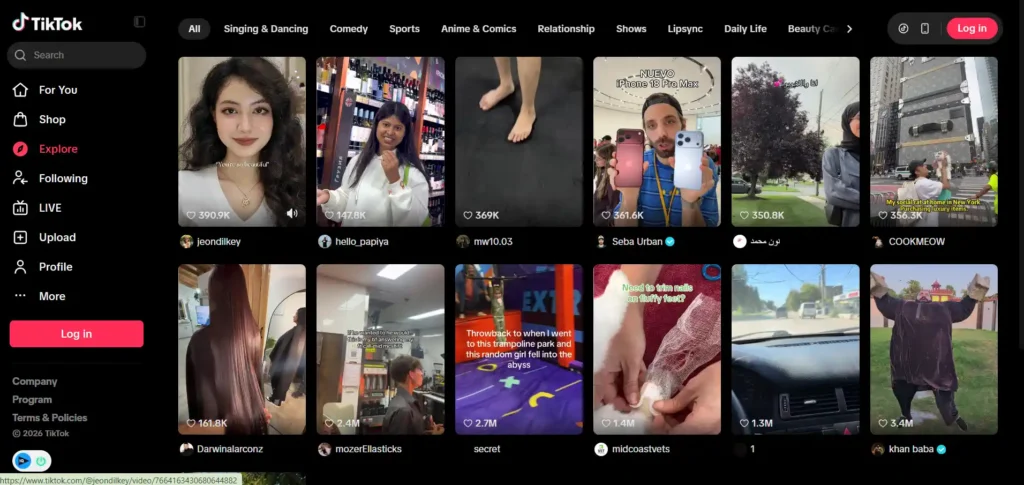
TikTok is a search-driven, algorithmic feed that can put a new creator’s video in front of strangers fast. Creator programs pay for qualified views, but eligibility rules change often, and brand deals are where many creators earn most.
Pros
- Fast discovery for new accounts
- Strong for trends and search-style content
Cons
- Short-form focus makes long tutorials harder.
- Payout programs have shifting eligibility rules.
7. Instagram Reels (Best for Brand Deals)
Instagram Reels is Meta’s short-form video format that replaced IGTV after Meta discontinued it in 2022. It works best if you already have an Instagram following and want brand partnerships.
Pros
- Built-in audience if you already post on Instagram
- Easy cross-posting from other short-video apps
Cons
- The reels-first format is not built for long videos.
- Direct payouts are limited, so income mostly comes from brand deals.
Also Read: How to Start a Blog on Instagram 2026: A Step-by-Step Guide
8. Facebook Video (Best for Existing Audiences)
Facebook Video suits pages and groups that already have an audience. It supports on-demand video and live streams, with monetization for eligible pages.
Pros
- Huge built-in user base
- Live and on-demand video in one place.
Cons
- Reach depends on the feed algorithm.
- Monetization has eligibility requirements.
9. Odysee (Best for Independent Creators)
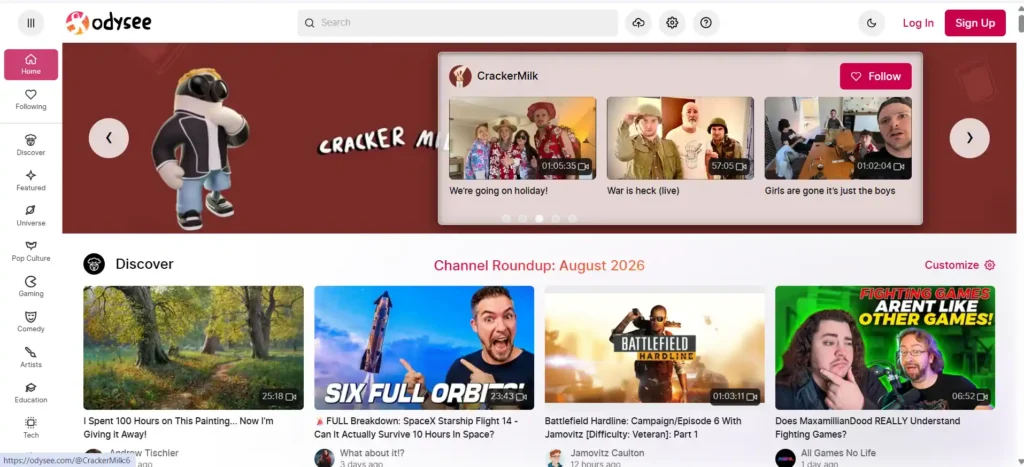
Odysee is a YouTube-style site built on the LBRY blockchain protocol. Creators can earn tips and crypto rewards. LBRY lost an SEC case in 2023, and Odysee was acquired by Forward Research in June 2024.
Pros
- Familiar interface and tipping tools
- Fewer content restrictions
Cons
- Earnings depend on crypto value and a smaller audience.
- Minimal moderation has drawn criticism, potentially affecting brand deals.
10. PeerTube (Best Decentralized YouTube Alternative)
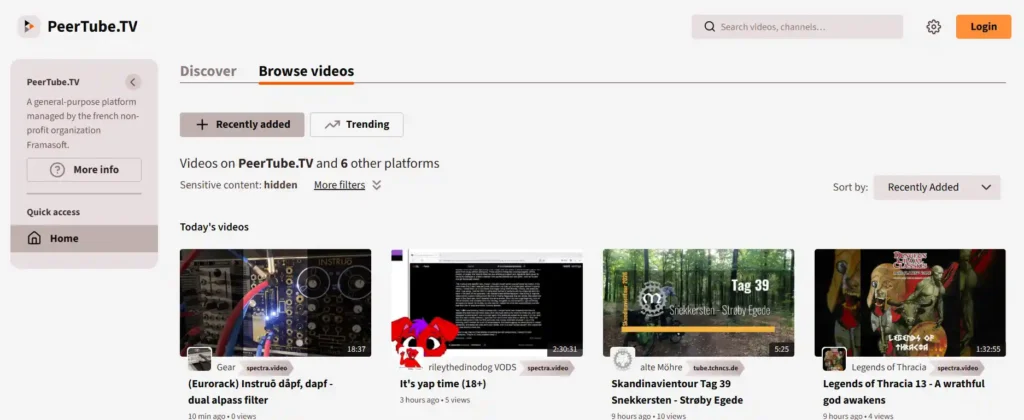
PeerTube is open-source software that runs on independent servers connected through a federated network. There are no ads and no tracking, and you can run your own instance.
Pros
- No ads or tracking
- You control your own server if you self-host
Cons
- Small audience and weak discovery
- Self-hosting takes technical work and costs money.
11. Nebula (Best for Educational Creators)
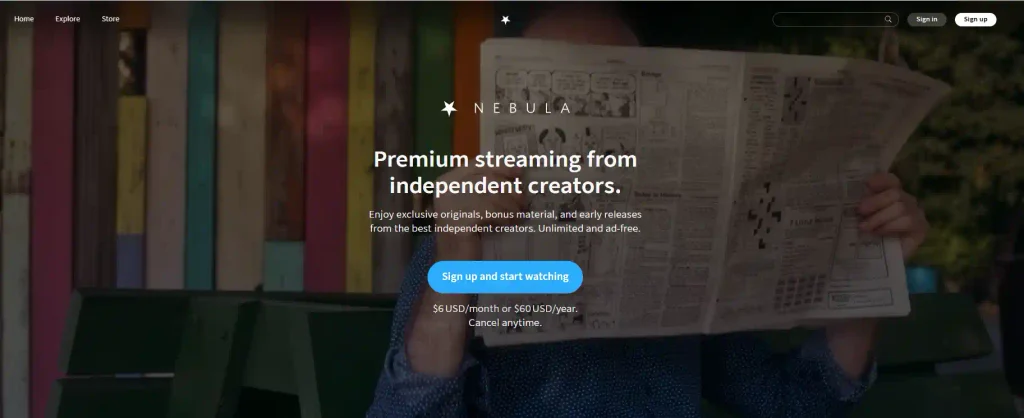
Nebula is a creator-owned streaming service built around subscriptions instead of ads. It is popular with educational and long-form creators.
Pros
- No ads for subscribers
- A good home for long-form, higher-effort videos
Cons
- Viewers must pay to watch
- Creator access is curated, not open to everyone.
12. BitChute (Best for Fewer Restrictions, Use With Care)
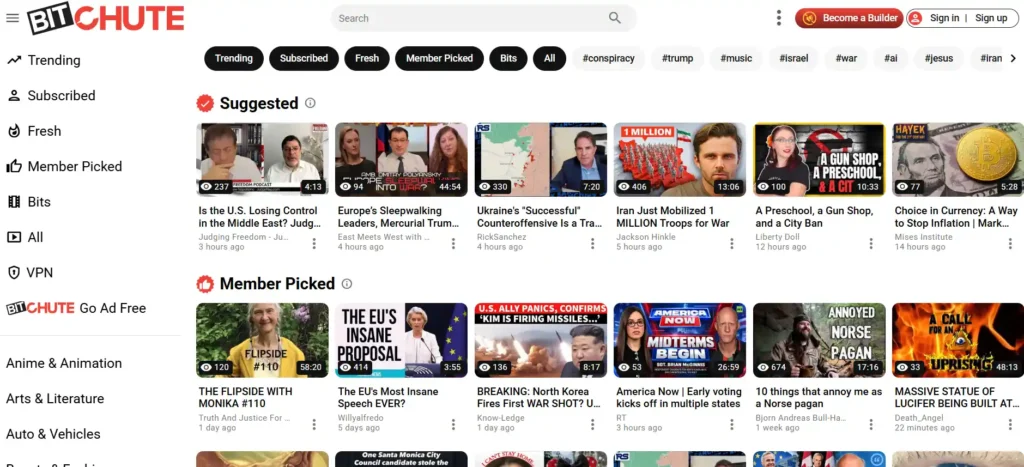
BitChute is a peer-to-peer video site known for light moderation. That freedom is its main draw and its biggest risk.
Pros
- Fewer content restrictions
- Simple uploads
Cons
- Moderation controversies can put off sponsors and advertisers.
- Small audience and reputation risk
13. Wistia (Best for Marketing Video)

Wistia is a video host built for marketers, with heatmaps, lead capture, and detailed analytics. It has a free plan, and paid plans start at about $79 per month.
Pros
- Strong marketing analytics and lead capture
- Clean, branded player
Cons
- Gets expensive as your library grows
- The free plan is very limited (around 10 videos)
14. SproutVideo (Best Mid-Tier Business Host)
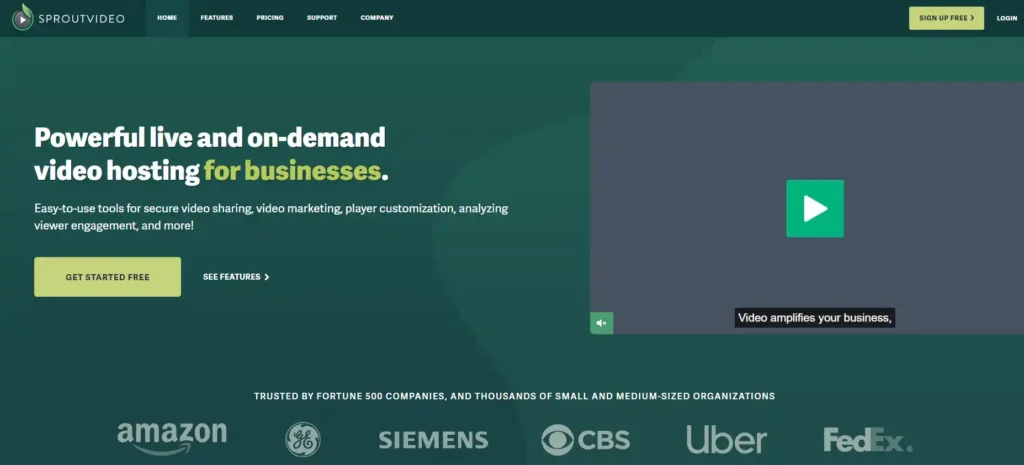
SproutVideo sits between Vimeo and Wistia for businesses that need private sharing, analytics, and an ad-free player.
Pros
- Private video sharing and analytics
- Ad-free, brandable player
Cons
- No built-in audience or discovery
- Limits scale with your plan
15. Vidyard (Best for Sales Video)
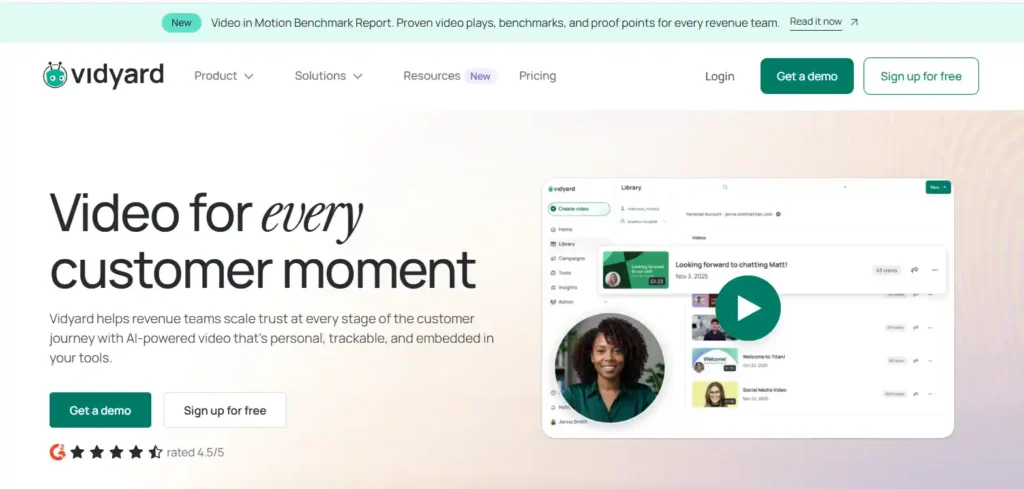
Vidyard is built for sales and marketing teams that send video messages and track who watches them, and it integrates with popular CRM tools.
Pros
- Designed for sales outreach and follow-up
- Viewer tracking
Cons
- Overkill for solo creators
- Team pricing adds up.
16. Loom (Best for Screen Recording)
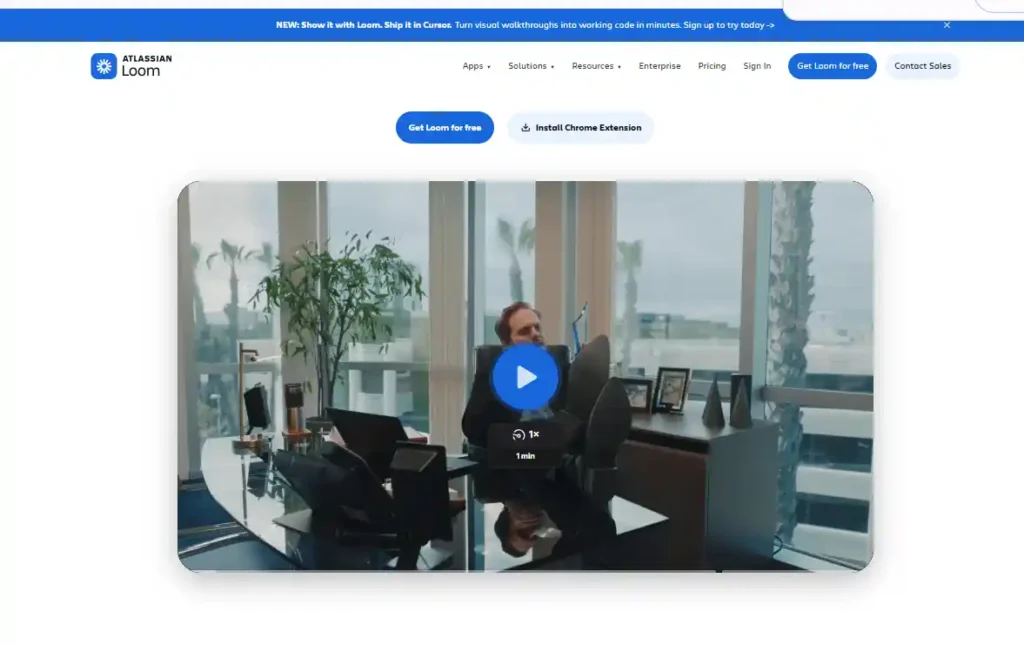
Loom, owned by Atlassian, records your screen and camera and shares the video with a link in minutes. It is great for tutorials and team updates.
Pros
- Record and share in minutes
- Ideal for walkthroughs and internal updates
Cons
- Not built for public discovery or monetization
- Free plan limits volume and length.
17. VdoCipher (Best for Secure Video Hosting)
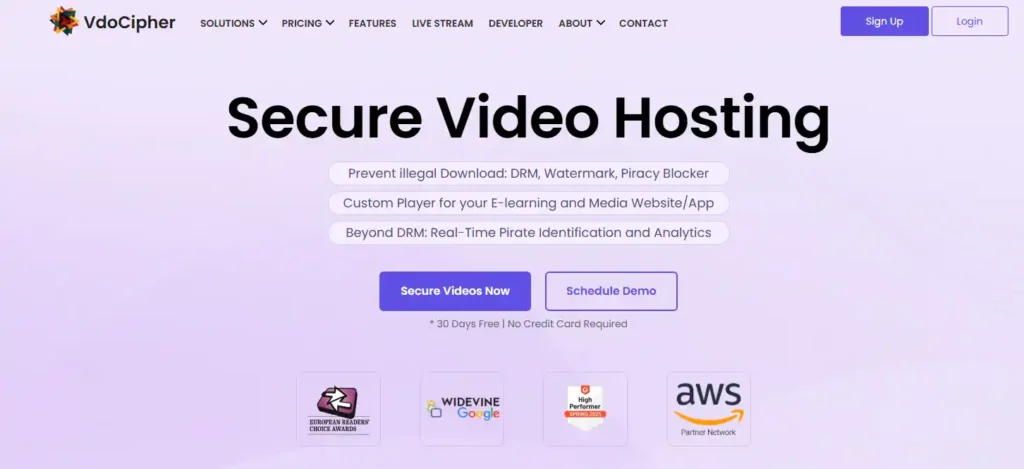
VdoCipher hosts videos with DRM and anti-piracy protection, which matters if you sell courses or premium content and do not want files copied.
Pros
- DRM and content protection
- Fits paid course sites
Cons
- Requires some setup on your site
- No audience of its own
18. Bunny Stream (Best for Developers)
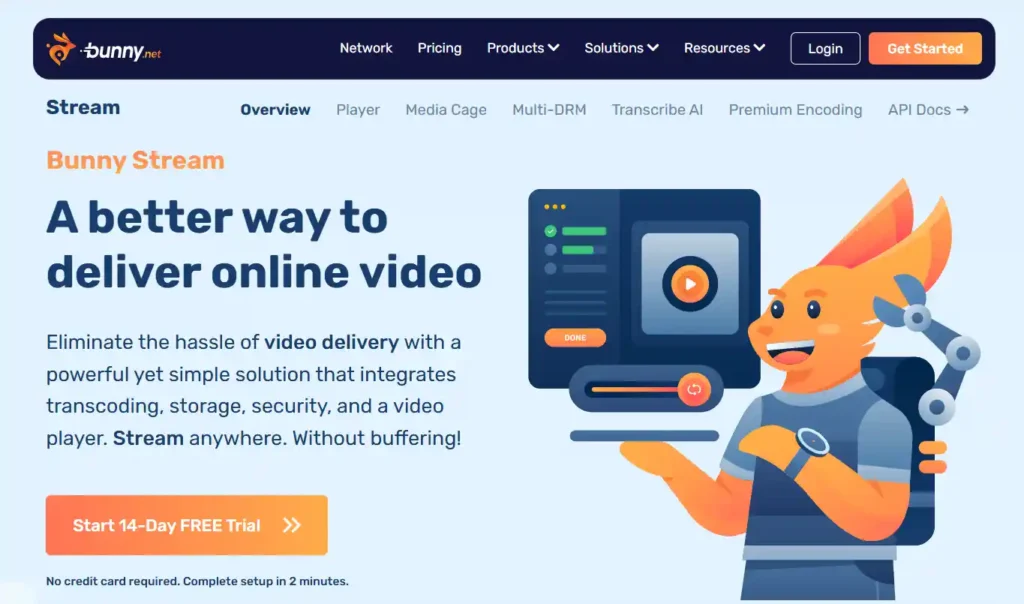
Bunny Stream is pay-as-you-go video hosting with fast global delivery, and light use can cost as little as a dollar or so a month.
Pros
- Pay-as-you-go pricing
- Fast delivery
Cons
- DIY setup
- Basic analytics compared with Wistia
19. Presto Player (Best for WordPress Sites)
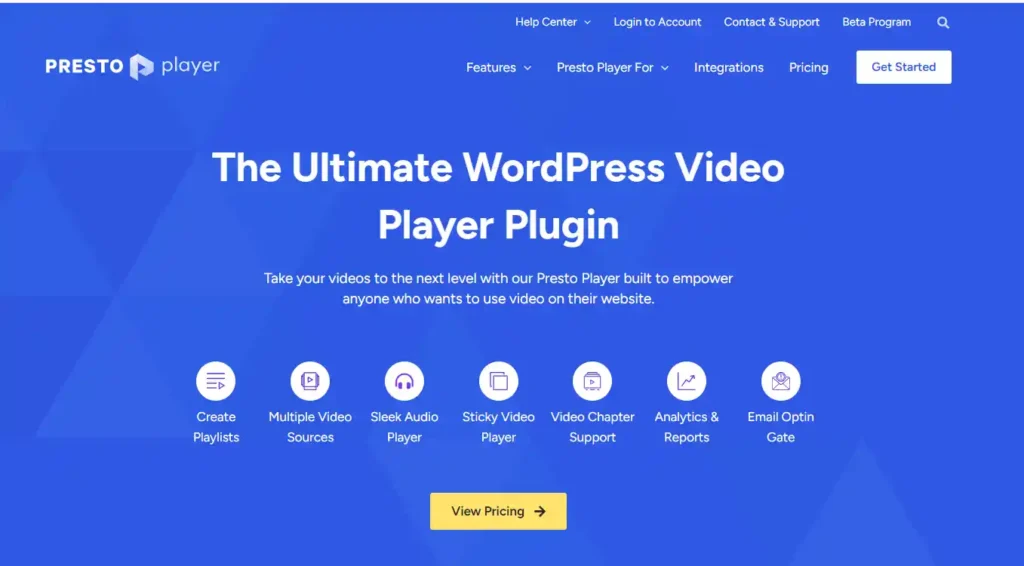
Presto Player is a WordPress video player plugin with a free version and paid plans. It works with YouTube, Vimeo, and Bunny, and adds branding, chapters, and analytics in its premium tiers. If you use an SEO plugin, check our list of the best WordPress SEO plugins for video schema options.
Pros
- Works inside WordPress
- Branded player controls
Cons
- You still need somewhere to host the files.
- Some features are premium.
20. Uscreen (Best for Video Memberships)
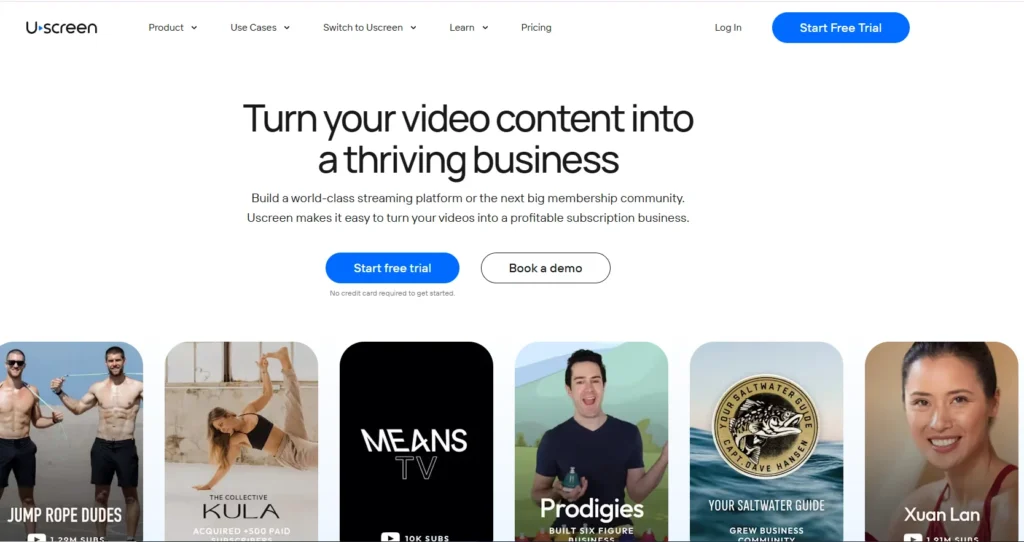
Uscreen is built for creators who want to sell video access, memberships, and live streams on their own branded site and apps. Its main Growth plan runs about $199 per month on a monthly billing, with subscriber and transaction fees on top, so read the pricing page closely. A free trial is available.
Pros
- Netflix-style catalog, live streaming, and memberships in one place
- You own your audience and customer data.
Cons
- Pricier than most options here
- Fees grow as your subscriber count grows.
21. Patreon (Best for Fan Memberships)
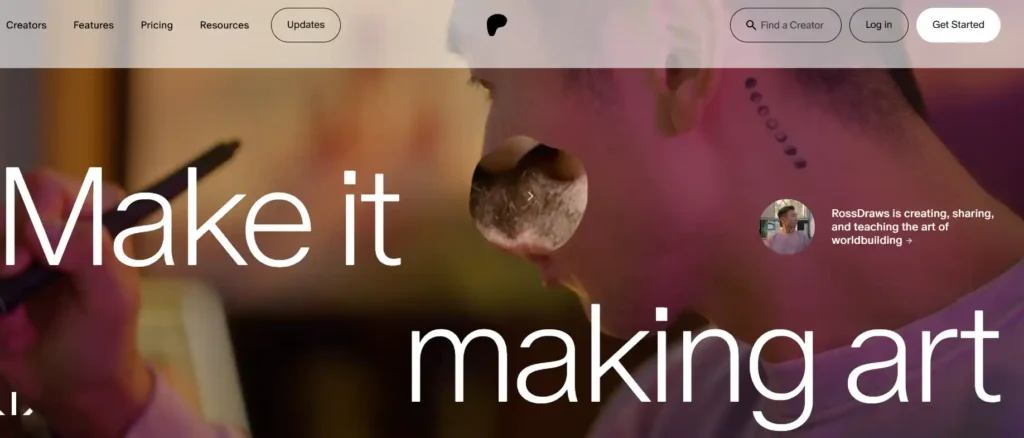
Patreon lets fans pay you monthly for tiers, exclusive posts, and videos. New creators pay a flat 10 percent platform fee, plus payment processing.
Pros
- Built-in membership tiers and community
- Native video and livestreaming
Cons
- 10 percent fee plus processing costs
- Little discovery, so you bring your own audience.
22. FreeTube (Best for Ad-Free Desktop Viewing)
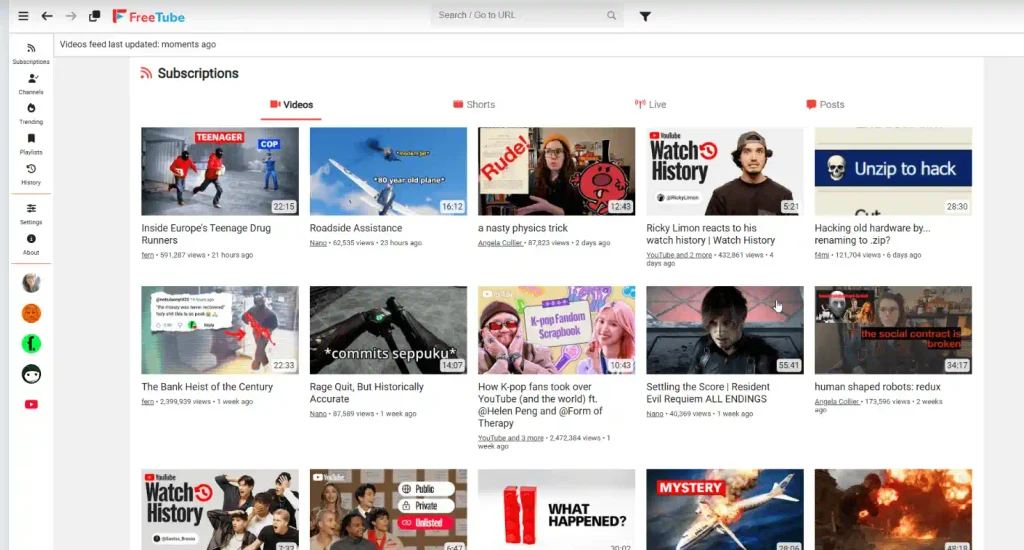
FreeTube is an open-source desktop app for watching YouTube without ads or a Google account, and it stores your subscriptions locally.
Pros
- No ads and local data storage
- Works on Windows, Mac, and Linux
Cons
- Depends on YouTube, so it can break when YouTube changes things
- Creators lose the ad revenue from those views.
23. NewPipe (Best for Ad-Free Android Viewing)
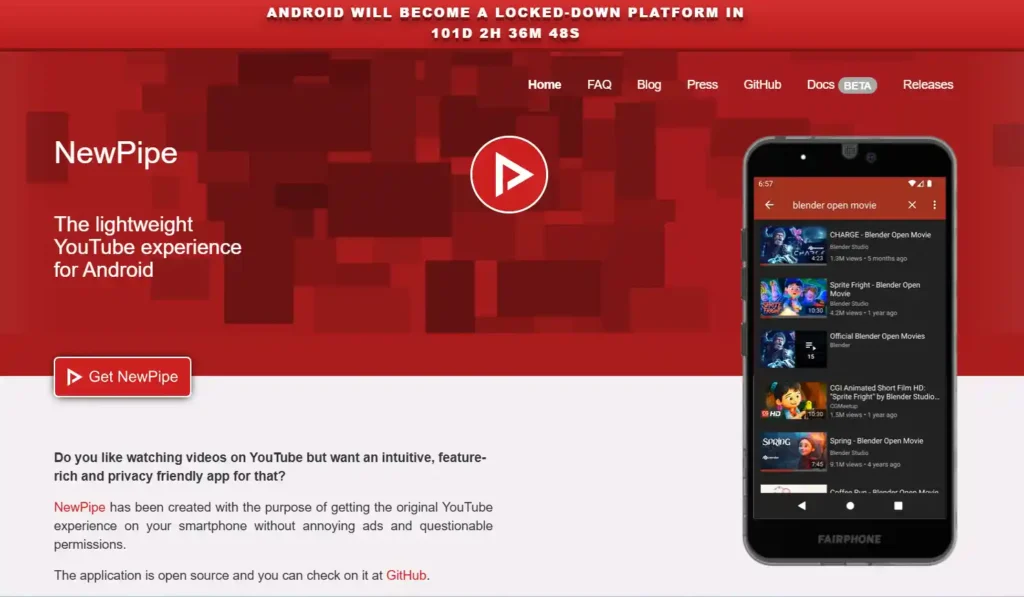
NewPipe is a lightweight, open-source Android app with background play and downloads. You install it outside Google Play.
Pros
- Lightweight and ad-free
- Background play and downloads
Cons
- Android only
- Same trade-offs as any YouTube frontend
24. Piped
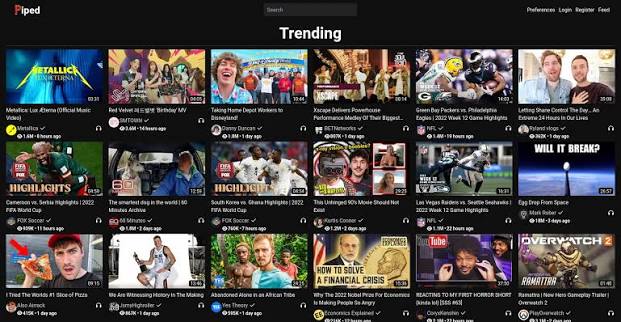
Piped is an open-source web frontend that streams YouTube content through a proxy. It works in a browser with no app, and you can self-host it.
Pros
- Works in a browser with no app
- Open source with a self-hosting option
Cons
- Public instances can go down when YouTube blocks proxy servers.
- Same terms-of-service and creator-revenue trade-offs
What Is the Best Alternative to YouTube TV?
Hulu + Live TV is the best all-around alternative to YouTube TV because it bundles Disney+ and ESPN. Sling TV is the cheapest flexible option, Philo is the cheapest paid bundle, and Fubo and DirecTV are strongest for sports.\
| Service | Starting price | Best for | Watch out for |
|---|---|---|---|
| YouTube TV (baseline) | About $83 per month | All-round cable replacement | Steady price increases |
| Hulu + Live TV | About $90 per month | Bundling Disney+ and ESPN | Fewer simultaneous streams |
| Sling TV | $45.99 per month (Orange or Blue) | Cheapest flexible plans | Fewer channels, locals vary by market |
| Fubo | About $100 per month with regional fees | Sports and regional sports networks | Fees added at checkout, prices in flux |
| DirecTV | From about $95 per month | Regional sports and locals | Steep starting price |
| Philo | About $33 per month | Cheapest paid bundle (70+ channels) | No local channels or major sports |
Key Factors to Consider in a YouTube Alternative
- Hosting and Bandwidth Limits: Free platforms rarely cap bandwidth, but business hosts do, and overage fees can surprise you. Check storage, bandwidth, and upload limits before you move a large video library.
- Monetization Options: Payout models vary widely. YouTube requires audience thresholds for ad revenue; Rumble has no minimum; Kick pays a 95/5 subscription split; and platforms like Uscreen, Kajabi, and Gumroad let you sell directly. Pick the model that fits how you want to earn.
- Privacy and DRM Security: If you sell paid videos, protection matters. Look for private links, password protection, and DRM. If you only watch, privacy apps like FreeTube remove ads and trackers.
- Branding Customization: Business hosts let you remove platform branding and use your own colors, logo, and player. YouTube and social platforms keep their branding front and center.
- Analytics and Engagement Tools: Free platforms give basic view counts. Marketing-focused hosts like Wistia add heatmaps, lead capture, and viewer-level tracking, which matter if video supports sales.
- Live Streaming Capability: If you stream live, check audience size, chat features, and subscription splits. Twitch and Kick specialize in this, and some hosts support live events on higher plans.
Which YouTube Alternative Should You Choose?
The right pick follows your goal, not the biggest brand. Use the table to match your situation.
| Your situation | Best pick |
|---|---|
| Ad-free, professional hosting for a business site | Vimeo or Wistia |
| WordPress blogger embedding videos | Presto Player or Jetpack VideoPress |
| New creator who wants quick monetization | Rumble |
| Live gaming and community | Twitch |
| Streamer who wants a bigger subscription share | Kick |
| Short-form growth | TikTok or Instagram Reels |
| Selling video memberships on your own site | Uscreen |
| Fan memberships and tips | Patreon |
| Watching YouTube without ads | FreeTube or NewPipe |
| Replacing YouTube TV on a budget | Sling TV or Philo |
FAQs About YouTube Alternatives
Is there an alternative to YouTube?
Yes. Vimeo, Dailymotion, Rumble, Odysee, PeerTube, Twitch, and TikTok all cover parts of what YouTube does. The right one depends on whether you want to watch, upload, stream, host for business, or sell video.
What are the alternatives to YouTube for creators and viewers?
Creators can use Dailymotion, Rumble, Odysee, PeerTube, Vimeo, Twitch, Kick, or TikTok. Viewers can use the same sites or ad-free apps such as FreeTube and NewPipe. YouTube’s biggest competitors for attention are TikTok, Facebook, and Instagram, while Twitch and Vimeo compete in narrower areas.
What is the best alternative to YouTube TV?
Hulu + Live TV is the best all-around pick if you want a similar channel lineup plus Disney+ and ESPN. Sling TV is the cheapest flexible option, Philo is the cheapest paid bundle, and Fubo and DirecTV are strongest for sports.
Are there free alternatives to YouTube and YouTube TV?
Yes. Dailymotion, Rumble, Odysee, PeerTube, and Twitch are free to use and watch, and Vimeo has a limited free plan. For live TV, Sling Free, Pluto TV, and Tubi are free with ads.
Which YouTube alternative is best for monetization?
Rumble lets you earn without subscriber or watch-hour thresholds, and Kick offers a 95/5 split on subscriptions. Patreon and Gumroad let you charge fans directly. To own your audience, platforms like Uscreen, Kajabi, and Teachable let you sell memberships and courses, though they cost more.
Which platform is best for live streaming?
Twitch is best for reach and community. Kick is best if a larger subscription share matters more than audience size. Rumble and Facebook Live are useful additions if you multistream.
What is the best decentralized YouTube alternative?
PeerTube is the most open option, because it runs on independent servers connected through a federated network. Odysee is easier to use but relies on blockchain rewards and a smaller audience. DTube has reportedly moved to an ad-supported model, so it no longer stands out as decentralized.
Is there an AI alternative to YouTube for making videos?
AI video makers such as Elai.io create videos from text, but they do not host or distribute them. You still publish the finished video on YouTube or one of the alternatives above.
Can I use more than one video platform at the same time?
Yes, and many creators do. Post on YouTube for reach, then host key videos on a platform you control for sales or member content. Twitch also allows multistreaming to other platforms, but check each platform’s terms, since some restrict exclusivity.
Final Thought
The best YouTube alternatives are the ones that match what you actually do on YouTube, so start with your goal instead of the biggest brand. Try the free options first, keep YouTube for reach, and move only the videos that earn you money to a platform you control.
ALSO READ: