
The best free Keywords Everywhere alternative is Keyword Surfer a free Chrome extension that shows search volume data inline on Google SERPs with zero credits and zero cost. The best paid alternative for beginners is Ubersuggest at $12/month. For professional SEOs, Ahrefs or Semrush replace Keywords Everywhere entirely while delivering significantly more capability. All 10 options are ranked below by use case and budget.
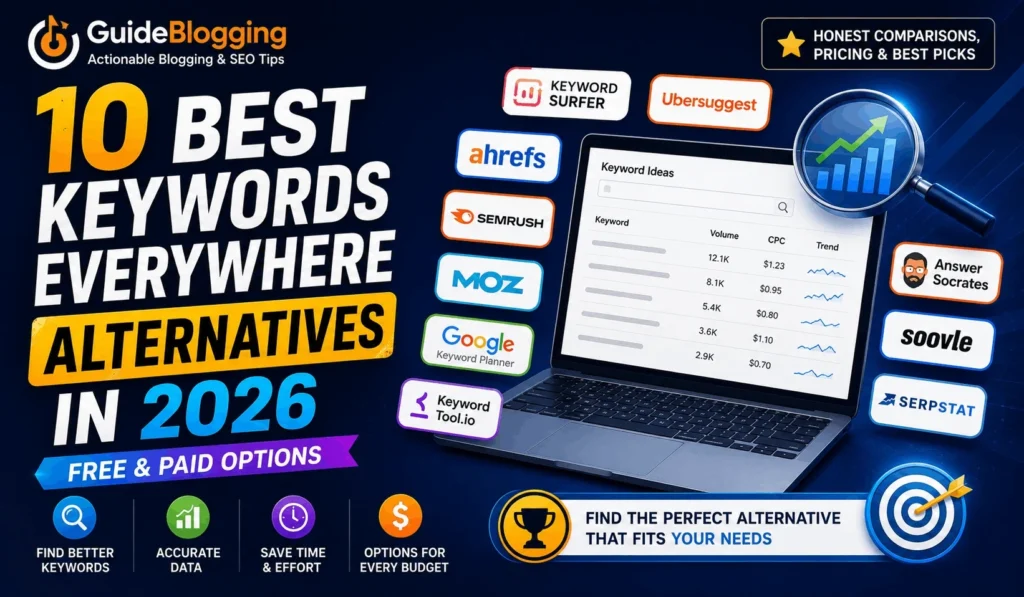
If you’ve been searching for an alternative to Keywords Everywhere, you’re in good company. Back in 2019, Keywords Everywhere made a move that frustrated thousands of SEOs and bloggers overnight; it switched from completely free to a credit-based paid model.
And while the tool is still useful, many users have been on the lookout ever since for something that either replicates what it used to offer for free, or does the whole job better.
The good news: there are excellent alternatives in both camps.
Whether you’re looking for a free keywords everywhere alternative that shows search volumes inline without a credit system, or a paid tool that completely outgrows what Keywords Everywhere can do, this guide covers all ten options honestly.
By the time you finish reading, you’ll know exactly which Keywords Everywhere alternative fits your budget and workflow, and you won’t need to read five more articles to figure it out.
What is Keywords Everywhere and Why Are People Looking for Alternatives?
Keywords Everywhere is a browser extension for Chrome and Firefox that overlays keyword data, search volume, cost-per-click (CPC), and competition score directly onto Google search result pages as you browse.
Instead of opening a separate tool and typing keywords in manually, it surfaces data contextually, right where you’re already working.
For a long time, that convenience was completely free. Then in September 2019, the tool moved to a credit-based paid model: you buy credits, and each keyword lookup consumes them.
The current entry point is around $27/year for 200,000 credits, genuinely affordable by SEO tool standards, and many users find it worth keeping.
So why are so many people still searching for alternatives? A few consistent reasons come up:
- The credit model adds friction. If you’re doing keyword research daily or at scale, watching your credit balance disappear is stressful; flat-rate tools are easier to use without a mental cost attached to every search.
- The data doesn’t go deep enough. Keywords Everywhere shows volume, CPC, and trend data, but it doesn’t offer backlink analysis, site auditing, rank tracking, or content gap research. As your SEO work grows, you outgrow it.
- Some users question data accuracy. Keywords Everywhere sources data from Google Keyword Planner, which groups similar keywords together and rounds search volumes, making it less precise than tools with independent data sources.
- Browser-only experience. There’s no standalone platform; everything lives inside the browser extension, which limits what you can do with the data.
If any of those pain points sound familiar, one of the alternatives below will solve it.
Quick Comparison : Best Keywords Everywhere Alternatives
| Tool | Best For | Free Option? | Starting Price |
|---|---|---|---|
| Keyword Surfer | Free inline keyword data | ✅ Completely free | Free |
| Answer Socrates | Content planning & topic discovery | ✅ Free tier | Free / Paid |
| Google Keyword Planner | Basic search volume data | ✅ Free (needs Google Ads account) | Free |
| Soovle | Multi-engine keyword brainstorming | ✅ Completely free | Free |
| Ubersuggest | Budget all-in-one SEO | ✅ Limited free | $12/month |
| Ahrefs (SEO Toolbar) | Professional SEO + keyword research | ✅ Free toolbar | $129/month |
| MozBar | Beginner-friendly SERP metrics | ✅ Free MozBar | $99/month |
| Semrush | Full-suite SEO platform | ✅ Limited free | $117/month |
| KeywordTool.io | Multi-platform keyword suggestions | ✅ Limited free | $89/month |
| Serpstat | Mid-range all-in-one platform | ✅ Free trial | $45/month |
Keywords Everywhere Alternatives (Free & Paid)
If you’re specifically looking for a Paid & free keywords everywhere alternative a tool that shows keyword data without a subscription, credit system, or payment of any kind these four options are your best starting points.
1. Keyword Surfer Best Free Chrome Extension
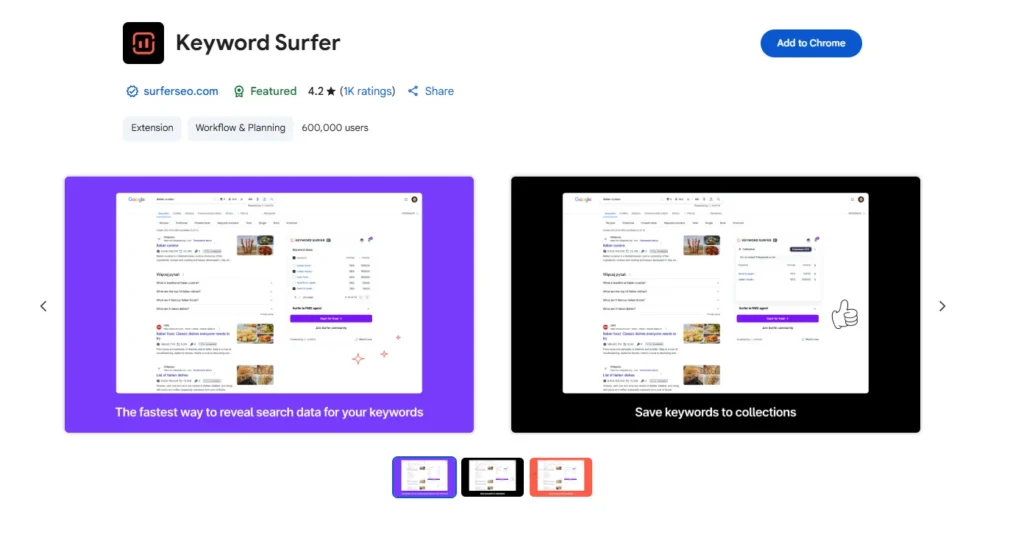
Keyword Surfer is a free Chrome extension developed by Surfer SEO that shows monthly search volume, CPC, and related keyword ideas directly on Google search result pages, exactly where Keywords Everywhere used to show them, and entirely free with no credit system.
When you search any term on Google with Keyword Surfer installed, you instantly see the search volume for that query at the top of the page, a sidebar of related keyword suggestions with their own volumes, and word count data for ranking pages. It’s the closest direct replacement for the core function that made Keywords Everywhere popular in its free days.
Pros:
1. Completely free : no credits, no account required
2. Inline data on Google SERPs just like Keywords Everywhere
3. Shows related keyword suggestions alongside volume
4. No usage limits or throttling
5. Active maintenance from Surfer SEO’s development team
Cons:
1. Data sourced from Surfer SEO’s index, which may differ from Google’s data
2. Fewer data points than Keywords Everywhere (no competition score or CPC trends)
3. No standalone platform browser-only, like Keywords Everywhere
4. No historical trend data
Pricing: Completely free. No signup required.
2. Answer Socrates
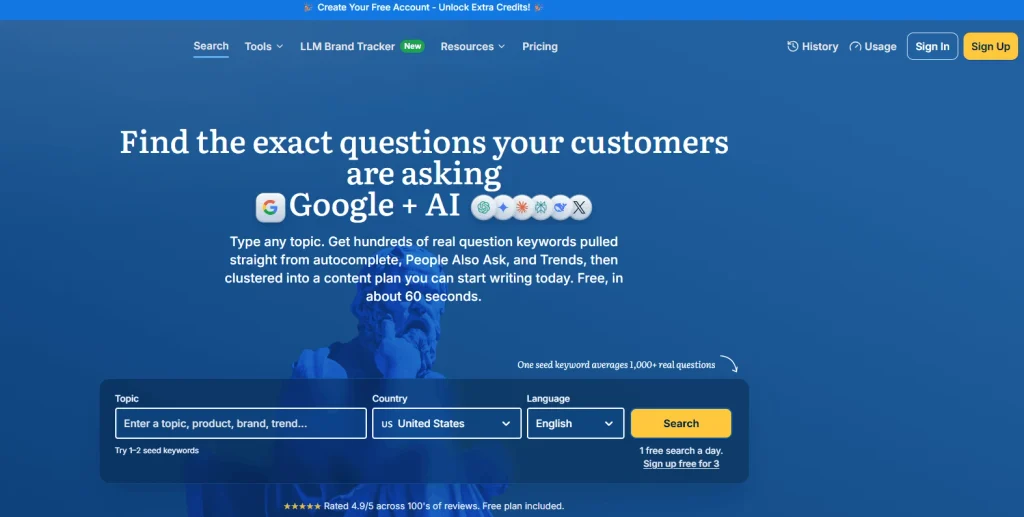
Answer Socrates is a free keyword discovery tool that generates question-based keyword ideas by mining Google’s autocomplete data. Instead of showing volume data inline on SERPs, it gives you a structured list of questions real people are searching around any topic, making it invaluable for blog post ideation and FAQ schema content.
Type in any topic, and Answer Socrates returns questions formatted around “who,” “what,” “when,” “where,” “why,” “how,” “which,” “will,” and “are,” organized by intent and ready to use as blog subheadings or standalone article ideas.
Pros:
1. Completely free for basic use
2. Excellent for uncovering long-tail, question-based keywords that volume tools miss
3. Organized by question type ; easy to use for content outlines
4. No account required for basic searches
Cons:
1. No search volume data ; you know the questions but not how often they’re searched
2. Daily search limits on the free tier
3. Not a replacement for a full keyword research tool ; best used alongside another tool
4. No Chrome extension ; requires going to the website directly
Pricing: Free (with daily limits). Paid plans available for higher search volume and more features.
3. Google Keyword Planner Best Free Option for Search Volume Data
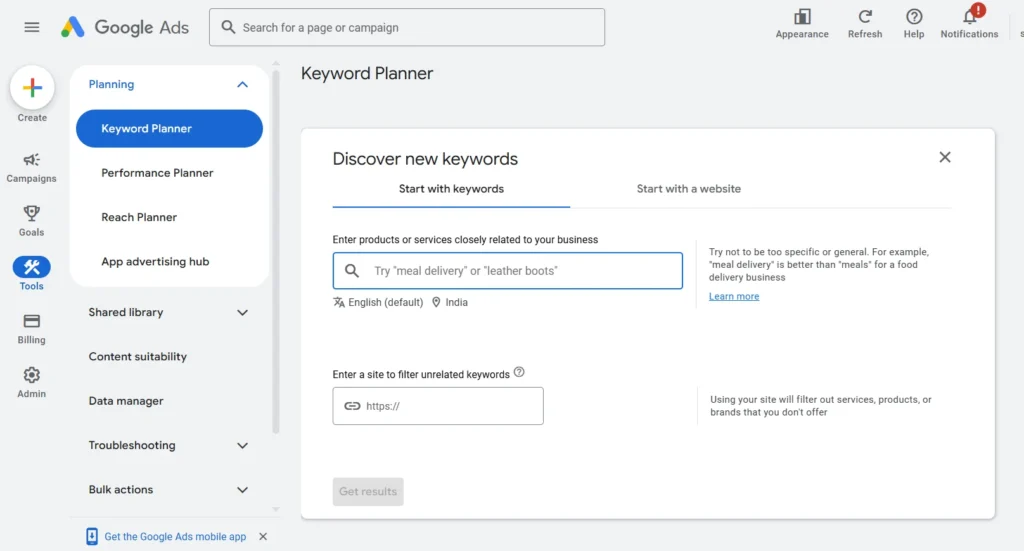
Google Keyword Planner is Google’s own free keyword research tool, available inside Google Ads. It shows historical search volumes, competition levels (low/medium/high), and bid estimates for any keyword, making it one of the most authoritative free sources of keyword data available.
The main catch: you need a Google Ads account to access it, and while you don’t need to spend any money on ads, the volume data Google shows tends to be grouped into ranges (1K–10K, 10K–100K) rather than exact numbers unless you have an active campaign.
Pros:
1. Completely free data comes directly from Google
2. Shows keyword ideas and related terms alongside volume ranges
3. Trustworthy source ; it’s Google’s own data
4. No credit system, no usage limits
Cons:
1. Volume data shown in ranges, not exact numbers, for non-advertisers
2. Requires a Google Ads account (free to create)
3. Interface is designed for advertisers, not SEOs ; less intuitive for content research
4. No CPC or competitor analysis beyond ad-focused metrics
5. No inline browser experience ; requires logging into Google Ads each time
Pricing: Completely free. Requires a free Google Ads account.
4. Soovle Best Free Multi-Engine Keyword Aggregator
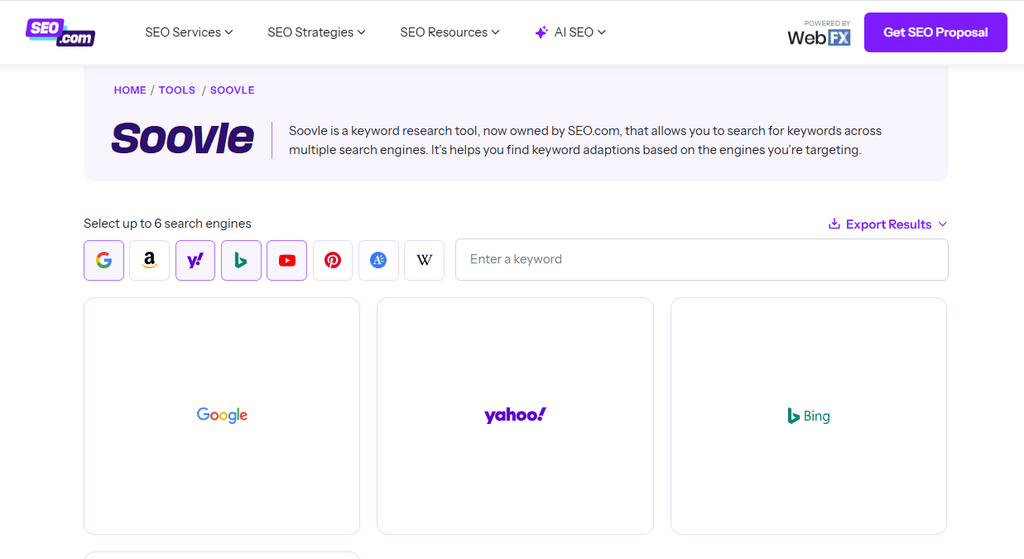
Soovle is a free, minimal web-based tool that pulls autocomplete keyword suggestions simultaneously from Google, YouTube, Amazon, Bing, Wikipedia, Yahoo, and more, all in one view. It’s designed for fast, broad keyword brainstorming across multiple platforms.
There’s no data to install, no account to create, and no limits. Just visit the site, type a keyword, and instantly see what people are searching across every major platform.
Pros:
1. Completely free with no account or sign-up
2. Shows suggestions from seven platforms simultaneously
3. Excellent for finding content ideas that work across Google, YouTube, and Amazon
4. Simple, fast, and requires zero setup
Cons:
1. No search volume, CPC, or difficulty data ; suggestions only
2. Not suitable for deep keyword research ; purely for ideation
3. No export functionality in the free version
4. No inline browser experience
Pricing: Completely free. No account required.
5. Ubersuggest Best Budget-Friendly All-in-One Alternative
Created by Neil Patel, Ubersuggest is an affordable all-in-one SEO tool that covers keyword research, competitor keyword analysis, site auditing, backlink data, and rank tracking.
For the price, it’s the most complete replacement for Keywords Everywhere and then some.
Where Keywords Everywhere gives you volume and CPC inline on SERPs, Ubersuggest gives you a full keyword research platform with keyword ideas, difficulty scores, content ideas based on top-performing articles, and a site audit tool that catches technical SEO issues.
Pros:
1. Most affordable all-in-one SEO tool on the market ($12/month)
2. Covers keyword research, site audit, backlinks, and rank tracking
3. Clean, beginner-friendly interface
4. Lifetime deal available (one-time payment option)
5. Limited free tier for occasional use
Cons:
1. Data accuracy doesn’t match Ahrefs or Semrush at scale
2. Backlink database is smaller than premium tools
3. Some features feel underdeveloped compared to more established platforms
4. Free tier is very limited in daily searches
Pricing:
- Free version with capped features
- Business: $20.00/month
- Individual: $12.00/month
- Enterprise: $40.00/month
6. Ahrefs (with SEO Toolbar) Best for Professional SEOs
Ahrefs is an industry-leading all-in-one SEO suite that professional SEOs turn to for keyword research, backlink analysis, site audits, rank tracking, and competitor intelligence.
Its free SEO Toolbar Chrome extension shows Domain Rating (DR), URL Rating (UR), backlink count, and referring domain count inline on every Google SERP result, making it a direct functional replacement for Keywords Everywhere’s inline experience, while the full Ahrefs platform goes far deeper than Keywords Everywhere ever could.
Pros:
1. Free SEO Toolbar shows inline SERP data with no credit system
2. 28.7 billion keyword database , the largest in the industry
3. Full backlink analysis, site audit, and rank tracking built in
4. Multi-platform keyword research (Google, YouTube, Amazon, and more)
5. Ahrefs Webmaster Tools is free for your own verified sites
Cons:
1. Expensive entry point ($129/month for the Lite plan with full features)
2. Steeper learning curve than Keywords Everywhere or Ubersuggest
3. Free toolbar doesn’t show keyword volume that requires the paid platform
Pricing:
- Lite: $129/month
- Standard: $249/month
- Advanced: $449/month
Also Read: (Ahrefs vs KWFinder 2026: Which Keyword Research Tool Should You Choose?)
7. MozBar Best for Beginner-Friendly SEO Metrics
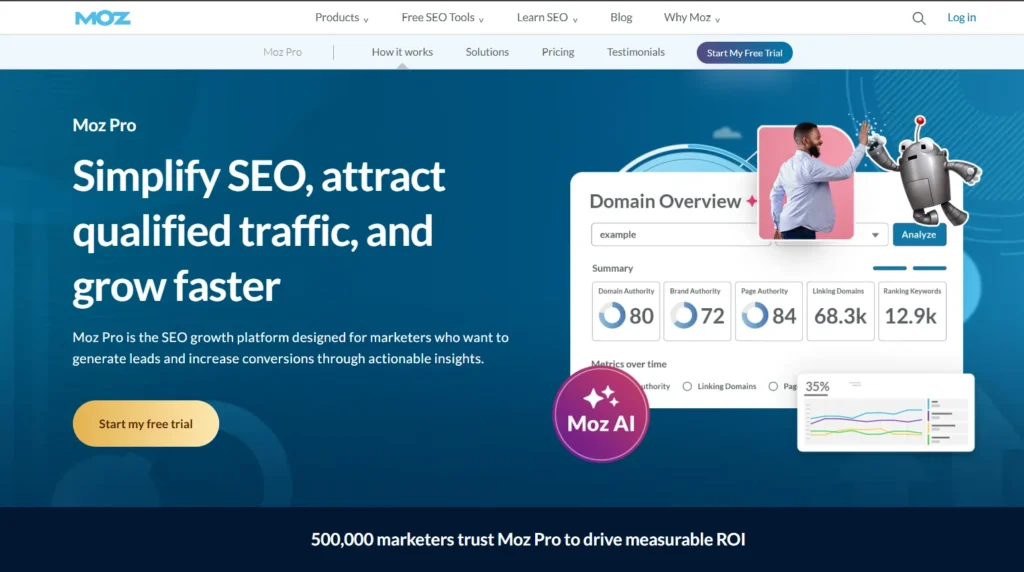
MozBar is Moz’s free Chrome extension that overlays Domain Authority (DA) and Page Authority (PA) scores directly onto Google search result pages, giving you a quick read on how authoritative each ranking page is without leaving the SERP.
It’s particularly useful for bloggers who want to assess whether they can realistically compete for a keyword quickly.
Pros:
1. Completely free Chrome extension with no credit system
2. Shows DA/PA inline on every SERP
3. Easy to interpret even for beginners (DA is a well-understood metric in the blogging world)
4. Moz Pro adds keyword research, site audits, and link building tools
Cons:
1. Doesn’t show search volume data ; you still need a separate keyword tool for that
2. DA is a Moz proprietary metric, not a Google signal ; interpret carefully
3. Full Moz Pro is expensive ($99/month) compared to alternatives at the same feature level
4. Free MozBar has limited functionality beyond DA/PA display
Pricing:
- Free tools available (with limited access)
- Starter: $49.00/month
- Standard: $99.00/month
- Medium: $179.00/month
- Large: $299.00/month
8. Semrush Best for Full-Suite Keyword Research
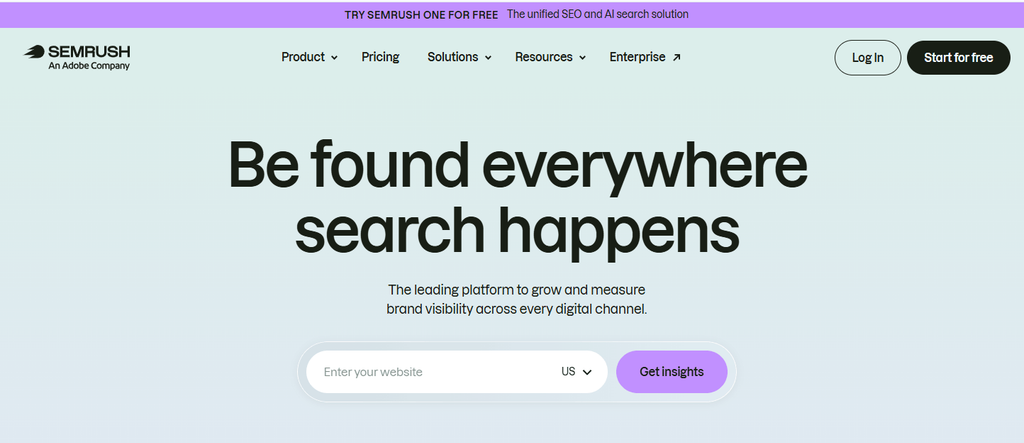
Semrush is one of the two dominant enterprise-grade SEO platforms (alongside Ahrefs) and a comprehensive replacement for Keywords Everywhere at the professional level.
Its keyword research capabilities include the Keyword Magic Tool (with 25+ billion keywords), organic position tracking, competitive gap analysis, site auditing, and backlink analytics, all in one platform.
For bloggers and affiliate marketers specifically, Semrush’s Keyword Overview and Topic Research tools are particularly strong, surfacing content ideas and keyword clusters that go far beyond what Keywords Everywhere’s inline data can offer.
Pros:
1. One of the largest keyword databases available (25+ billion keywords)
2. Excellent competitor keyword gap analysis
3. Strong content marketing toolkit alongside keyword research
4. Free limited account available
5. Integrates with Google Analytics and Search Console
Cons:
1. Higher price point ($117/month for Pro) compared to budget alternatives
2. Can be overwhelming for beginners given the breadth of features
3. Some features overlap heavily with Ahrefs ; choose one, not both
Pricing:
- SEO Plan – $139/month
- Starter – $199/month
- Pro+ – $299/month
- Advanced – $549/month
- Enterprise – Custom pricing
- Individual toolkits
Also Read: 13+ Best Semrush Alternatives for 2026 (Free, Paid & Open-Source Tools)
9. KeywordTool.io Best for Multi-Platform Keyword Suggestions
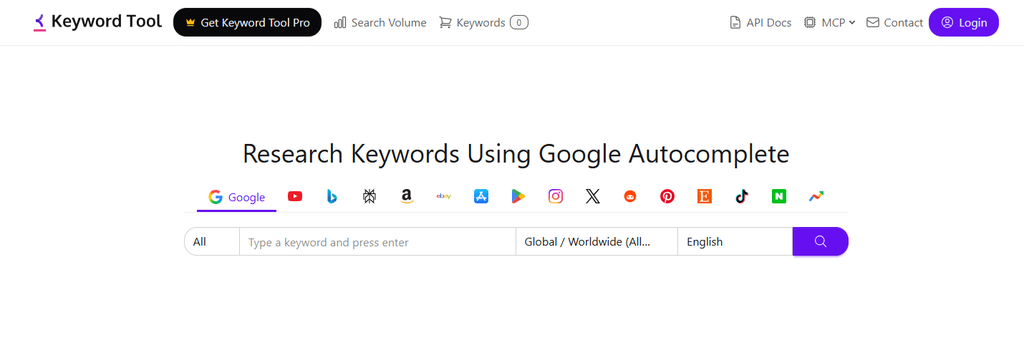
KeywordTool.io generates keyword suggestions from Google, YouTube, Bing, Amazon, Instagram, Twitter/X, and the App Store, all from one interface. .
It’s built specifically for content creators and marketers who optimize across multiple platforms, not just Google search.
Unlike Keywords Everywhere, which is Google-centric, KeywordTool.io is particularly strong for YouTube keyword research and Amazon product keyword discovery, two areas the typical blogger-oriented SEO tool completely ignores.
Pros:
1. Covers seven platforms in one tool (Google, YouTube, Amazon, Bing, Instagram, Twitter, App Store)
2. Free version shows keyword suggestions without volume (enough for ideation)
3. Clean, simple interface
4. Excellent for content creators working across multiple channels
Cons:
1. Free version doesn’t show search volume, CPC, or competition data ; requires a paid plan
2. Paid plans are expensive relative to competitors ($89/month for Pro Basic)
3. Doesn’t include site audit, rank tracking, or backlink analysis
4. Not a direct replacement for Keywords Everywhere’s inline SERP data experience
Pricing: Free (keyword suggestions only, no volume). Pro Basic from $89/month.
10. Serpstat Best Mid-Range Alternative with Browser Extension
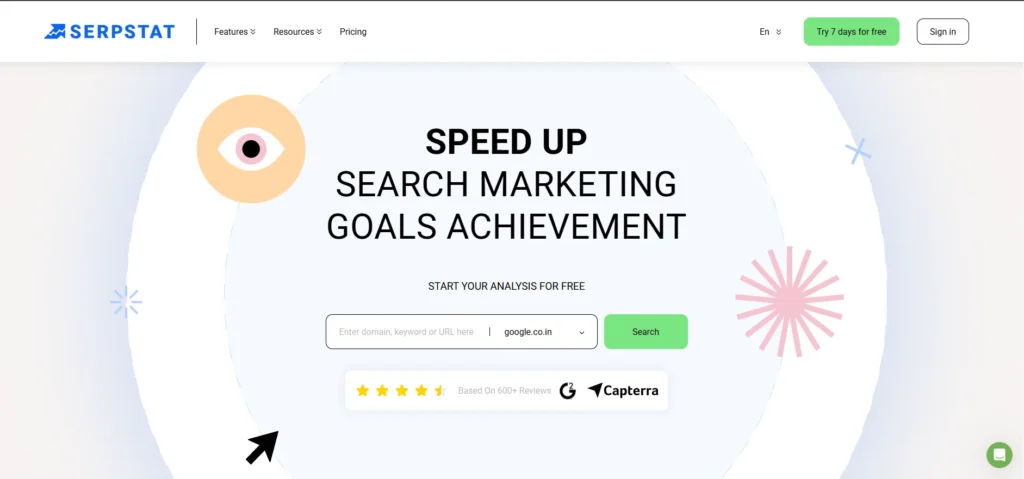
Serpstat is a mid-range all-in-one SEO platform that sits between budget tools like Ubersuggest and premium tools like Ahrefs or Semrush.
It offers keyword research, competitor analysis, site auditing, rank tracking, and backlink analysis, plus a Chrome extension that shows keyword difficulty and search volume data inline on SERPs, making it one of the few alternatives that replicates Keywords Everywhere’s browsing experience at a platform level.
Pros:
1. Chrome extension shows inline keyword data like Keywords Everywhere
2. More affordable than Ahrefs or Semrush ($45/month starting)
3. Full SEO platform with keyword research, audits, and backlink tools
4. Solid competitor analysis features
5. Free trial available
Cons:
1. Smaller database than Ahrefs or Semrush
2. Data accuracy for lower-volume keywords can be inconsistent
3. Interface is less polished than premium competitors
4. Not as well-known, so community resources and tutorials are fewer
Pricing: Free trial. Plans start at $45/month.
Which Keywords Everywhere Alternative Should You Choose?
Here’s a simple decision framework to cut through the noise:
1. “I just want search volume data inline for free” → Keyword Surfer. Install it, forget about credits, get on with your research.
2. “I need keyword ideas for blog content without a paid tool” → Answer Socrates (question-based ideas) + Google Keyword Planner (validate volumes). Both free.
3. “I want to check domain authority on SERPs for free” → MozBar. Install alongside Keyword Surfer, and you’ve got a solid free setup.
4. “I optimize for YouTube and Amazon too, not just Google” → KeywordTool.io. Nothing else covers that many platforms at once.
5. “I’m a beginner blogger with a small budget who needs more than just volume data” → Ubersuggest at $12/month. It’s the most complete tool at the lowest price.
6. “I’m a mid-level affiliate marketer who needs backlink data and keyword research together” → Ahrefs Webmaster Tools (free) for your own site + KWFinder for keyword research best value combination at this level.
7. “I’m a professional SEO or agency owner who needs depth and reliability” → Ahrefs or Semrush. No other tools come close at scale.
The smartest move for most bloggers: start with Keyword Surfer + Google Keyword Planner (free), add Ubersuggest when you’re ready to invest, and graduate to Ahrefs or Semrush when your site’s earning enough that the ROI is obvious.
Is Keywords Everywhere Still Worth Paying For in 2026?

It depends entirely on how you use it. At $27/year, Keywords Everywhere is genuinely cheap, and if you only need search volume and CPC data while browsing Google occasionally, it’s a perfectly reasonable tool to keep.
The credit model becomes a problem for anyone using it heavily. If you’re researching keywords daily, running content audits, or building out a large keyword list, you’ll burn through credits quickly and start rationing your searches, which undermines the whole point of having a browsing-integrated tool in the first place.
The honest verdict: Keywords Everywhere is fine for casual, occasional research.
For active bloggers and affiliate marketers who depend on keyword data as part of their daily workflow, the alternatives above offer better value either for free (Keyword Surfer) or at a comparable price with far more capability (Ubersuggest at $12/month already outperforms Keywords Everywhere significantly).
Final Verdict : Best Keywords Everywhere Alternative for Every Budget
| User Type | Best Pick | Why |
|---|---|---|
| Absolute beginner, zero budget | Keyword Surfer | Free, inline, instant zero friction |
| Beginner blogger, small budget | Ubersuggest ($12/mo) | Most complete tool at the lowest paid price |
| Content creator (multi-platform) | KeywordTool.io | Covers Google, YouTube, Amazon, and more |
| Mid-level blogger or affiliate marketer | KeywordTool.io | Free site data + affordable dedicated keyword tool |
| Professional SEO or agency | Ahrefs or Semrush | Unmatched depth, accuracy, and breadth |
If you’re a blogger or affiliate marketer reading this, the path forward is clearer than it might feel right now. Start free. Validate whether keyword research is moving the needle for your site.
Then invest in the tool that matches where you actually are, not where you plan to be in two years.
FAQs
What is the best free Keywords Everywhere alternative?
The best free Keywords Everywhere alternative is Keyword Surfer, a free Chrome extension that shows monthly search volume and related keyword ideas directly on Google search results pages, with no credits, no cost, and no usage limits. For question-based keyword discovery, Answer Socrates and Google Keyword Planner are also completely free.
What is the best paid alternative to Keywords Everywhere?
For bloggers and beginners on a budget, Ubersuggest at $12/month is the best paid alternative; it covers keyword research, site auditing, backlink data, and rank tracking at a fraction of the cost of premium tools. For professional SEOs who need enterprise-grade accuracy, Ahrefs or Semrush are the industry-standard choices.
Is Keywords Everywhere still free?
No. Keywords Everywhere switched to a credit-based paid model in September 2019. It currently costs around $27/year for 200,000 credits, where each keyword lookup consumes credits based on data returned.
Is Keywords Everywhere worth paying for in 2026?
For casual, occasional use, yes, $27/year is a reasonable price. For active bloggers and SEOs who research keywords daily, the credit model adds friction that flat-rate alternatives avoid, and tools like Ubersuggest or the free Keyword Surfer extension offer better value for regular use.
What is the best Keywords Everywhere alternative for bloggers?
For beginner bloggers: Keyword Surfer (free) + Answer Socrates (free) covers ideation and volume data without spending anything. For growing blogs: Ubersuggest ($12/month) adds site auditing and rank tracking. For established blogs with affiliate revenue: Ahrefs or KWFinder give the depth needed to compete for higher-value keywords.
Does Keywords Everywhere show backlink or competitor data?
No. Keywords Everywhere only shows search volume, CPC, and competition scores for keywords. It does not include backlink analysis, site audit functionality, rank tracking, or competitor research. For those features, you need a full SEO platform like Ahrefs or Semrush.
Which Keywords Everywhere alternative is best for e-commerce and YouTube?
KeywordTool.io is the strongest option for multi-platform creators; it generates keyword suggestions from Google, YouTube, Amazon, Bing, and Instagram simultaneously, making it the top choice for content creators optimizing across more than just Google search.
Can I use multiple Keywords Everywhere alternatives at the same time?
Absolutely, and many SEOs do. A common free combination: Keyword Surfer (inline volume data) + MozBar (authority metrics) + Answer Socrates (topic ideas) + Google Keyword Planner (volume validation). These four free tools together give you a surprisingly complete keyword research setup without spending anything.`
ALSO READ:


4 thoughts on “10 Best Keywords Everywhere Alternatives in 2026 (Free & Paid)”